

Guides
Inventory
Manage Backpack contents and equipped gear during deployment. Secure Slots protect eligible items, while the shared Stash holds supplies at the FOB.
Storage and equipment
Backpack capacity and resources
| Inventory | Ordinary item cells |
|---|---|
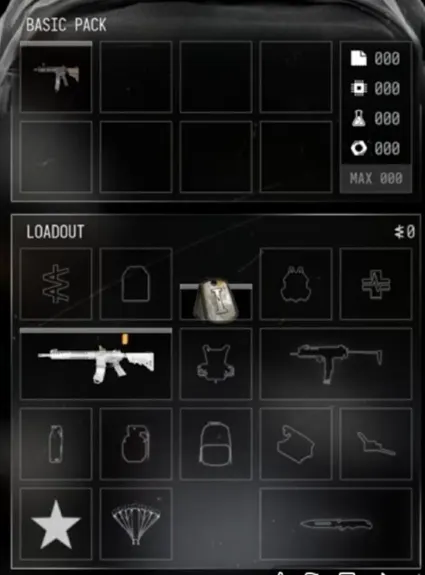
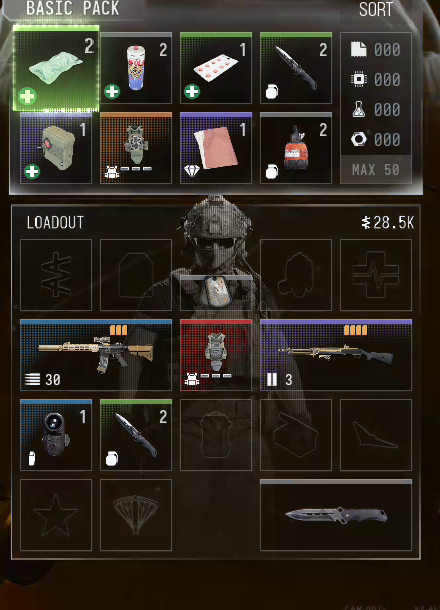
| Basic Pack | 8 (4 × 2) |
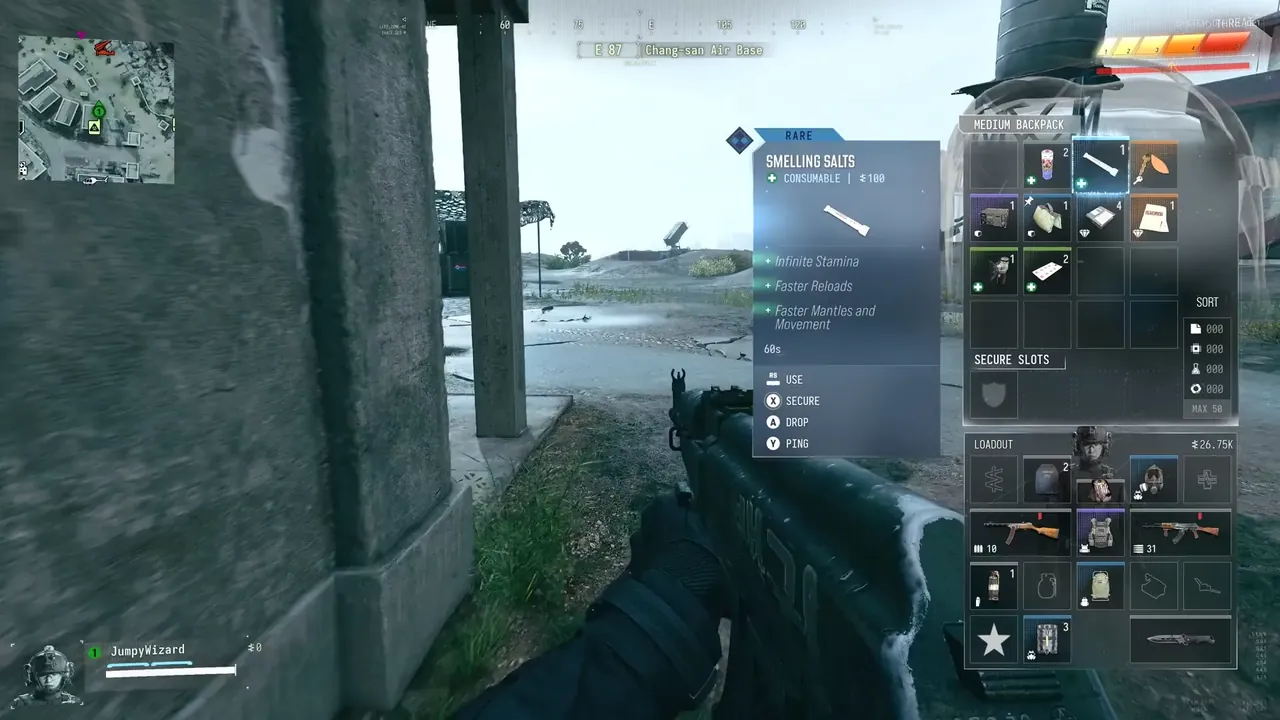
| Small Backpack | 12 (4 × 3) |
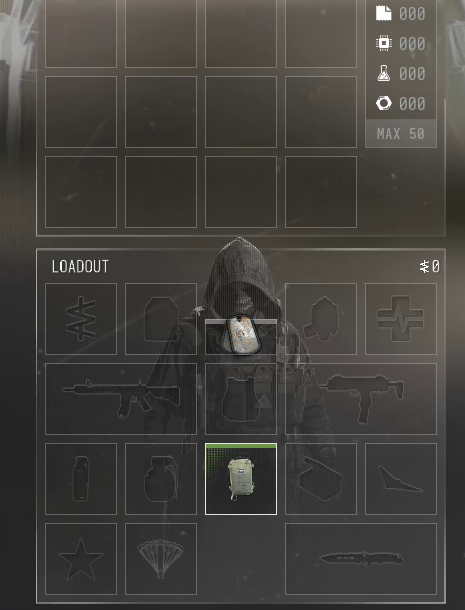
Resource counters and equipped Loadout slots are separate from those item cells. Shared Stash resource totals and carried resource counters are different stores. The recorded MAX 50 label does not establish whether the cap applies per resource or to a combined total.
Backpack and Loadout
The Loadout holds equipped weapons and gear. The Backpack carries spare items, with capacity and additional slots depending on the model. Move supplies from your shared FOB Stash into the active Operator’s Loadout before deployment.
Secure Slots
Eligible Backpacks provide Secure Slots that protect items when extraction fails. Use the Secure action on an eligible item to move it into protected storage. Items outside Secure Slots remain at risk.
Item actions
Use activates a usable item, Drop removes it from carried inventory, and Ping marks it for your squad. Available actions depend on the selected item.
Sorting and Resources
Use the Backpack sorting controls to organize carried items. The four Printer Resource pools are counted separately; Ingredients remain individual loot items.
Reading item and weapon values
An inventory tooltip’s Cash value and Sell amount do not establish a Vendor purchase price. Weapon unlock progress, weapon level and magazine ammunition are separate counters. A weapon’s displayed rarity can belong to the selected loot instance.
Screenshots