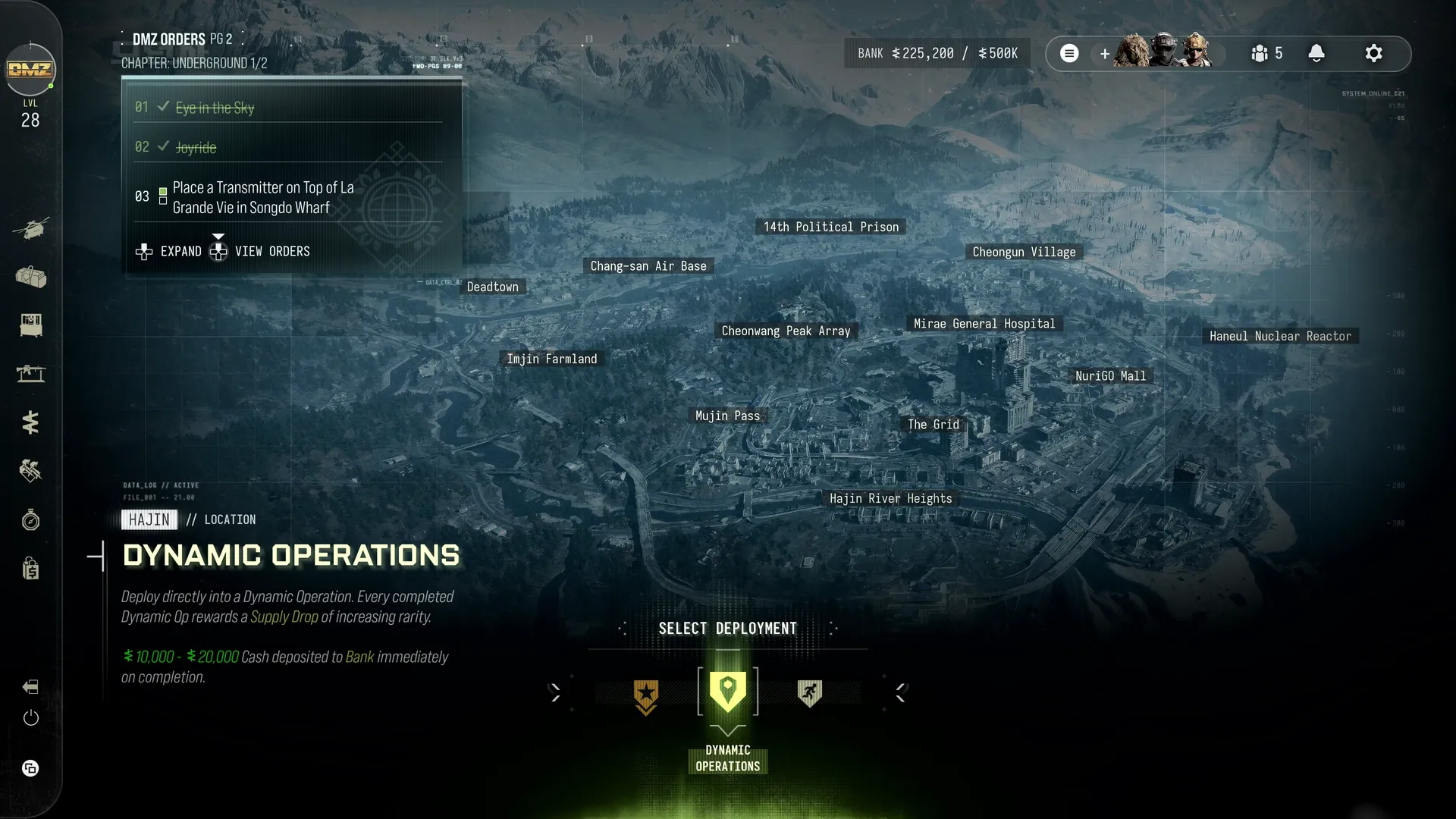


Underground 1/2
Chapter pages 2–3, 5–6 or 8–9
- 1Eye in the Sky
- Commandeer a SAM Site
- Shoot Down a Chopper Carrying Cargo With a SAM Site
- Loot a Crate From a Downed Chopper
- 2Watch for Bumps
- Steal an Enemy Vehicle
- Refuel and Repair a Vehicle at a Gas Station
- Run Over 7 Enemies in a Vehicle
- 3Triangulation
- Place a Transmitter on Top of 2 Radio Towers
- Place a Transmitter on Top of La Grande Vie in Songdo Wharf
Page rewards
20,000 Cash and the DDOS, Decoy Grenade and Night Vision Goggles recipes.
Complete all three Orders on this page. Individual Order completion is separate from the shared page reward.Underground 2/2
Chapter pages 2–3, 5–6 or 8–9
- 1Dead Battery
- Print a DDOS Field Upgrade
- Disable 3 Enemy Vehicles or Drones With the DDOS Field Upgrade
- 2Death From Above
- Trick a Drone With a Decoy Grenade
- Destroy 3 Drones
- Loot a Drone Motherboard From a Destroyed Drone
- 3Operation Shopping Hacks
- Complete the Operation Shopping Hacks Story Mission
Page rewards
20,000 Cash, Basic Restock Kit, Operator Rescue Beacon and Weapon Insurance Contract.
Complete all three Orders on this page. Individual Order completion is separate from the shared page reward.