

FOB station
Deploy station
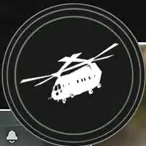
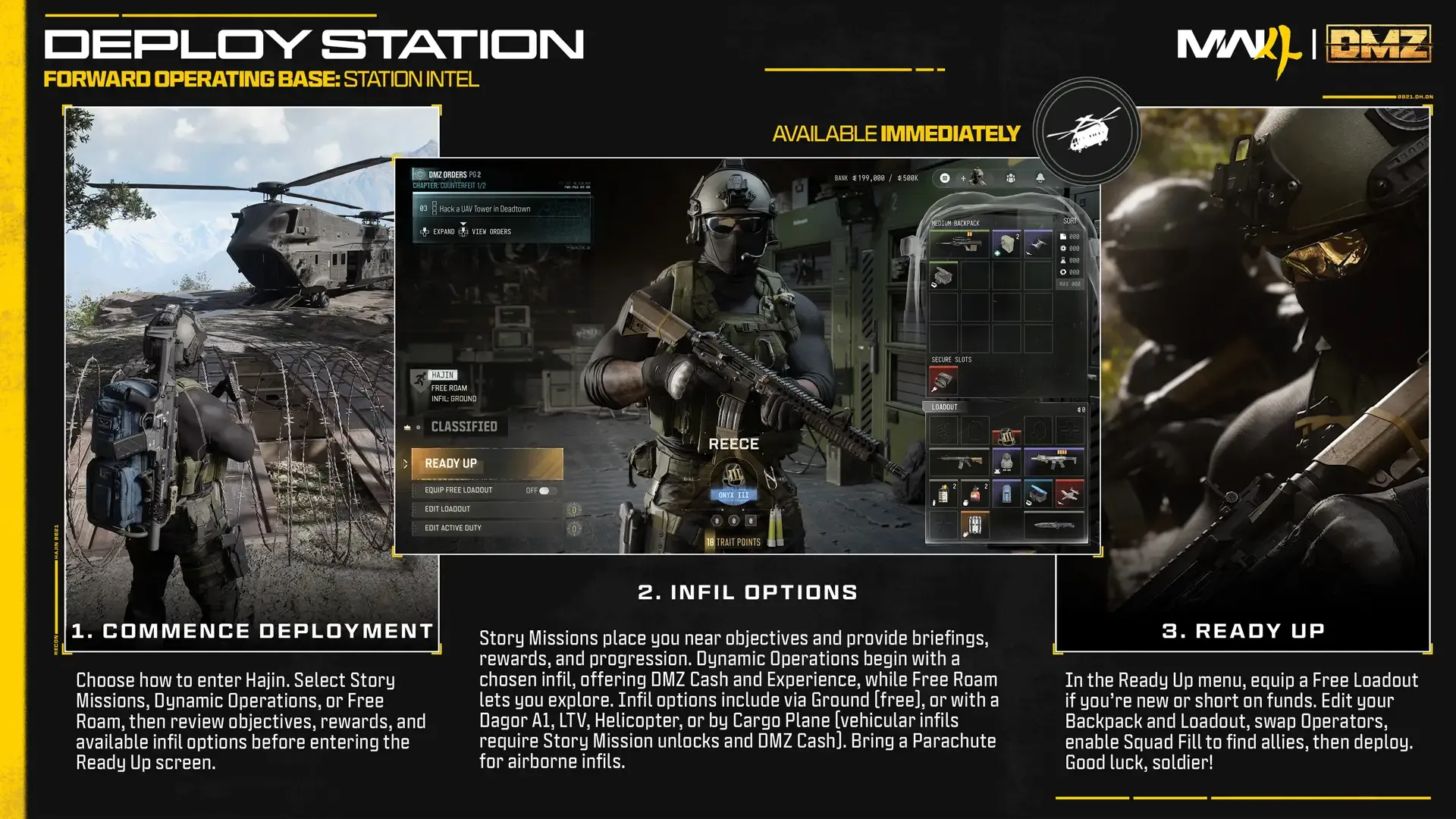
A threshold of razor wire leading to a heavy-lift military transport helicopter where you’ll begin each DMZ deployment.
Characteristics
- Available at
- FOB, outside deployment
Access and activity choice
Available immediately through Deploy or the physical razor-wire/helicopter area of the FOB. Choose Story Missions, Dynamic Operations or Free Roam, then prepare to deploy into Hajin.
Story Missions
Select or replay a mission, read its briefing and objectives, inspect rewards (usually valuable gear and DMZ Cash), choose a random mission if desired, and work toward completion-milestone rewards. The graphic says these deployments place you near objectives. Compare the mission with everyone’s DMZ Orders to combine objectives, then enter Ready Up.
Dynamic Operations and Free Roam
Dynamic Operations reward Cash and XP, with a Supply Drop of increasing rarity for each completed Operation. Free Roam starts without an assigned mission and permits exploring, ingredient looting and hunting Wanted Operators. The article’s last Free Roam tip is truncated; no missing ending is invented.
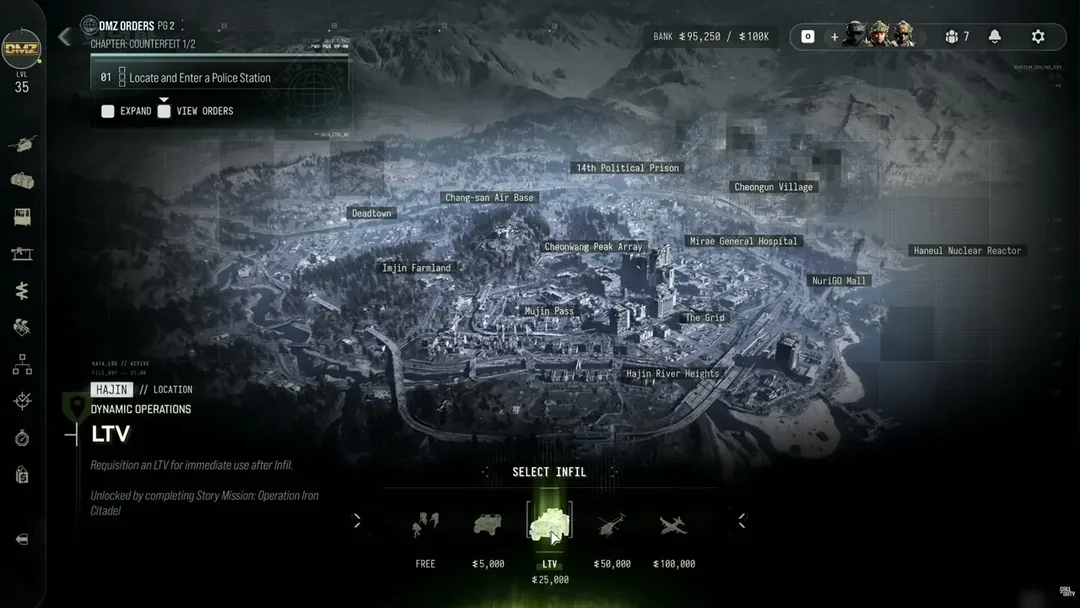
Dynamic Operations / Free Roam — infil choices and costs
| Infil | DMZ Cash | Entry described |
|---|---|---|
| Ground | Free | Random location, on foot |
| Polaris Dagor A1 | 5,000 | Random location with an air-dropped lightly armored vehicle |
| LTV | 25,000 | Random location with an air-dropped heavily armored vehicle |
| Helicopter | 50,000 | Leave FOB, one squad member pilots and the others ride as passengers; random area |
| Cargo Plane | 100,000 | Choose a precise place to drop into Hajin |
Some options require progression. The graphic specifies Story Mission unlocks for vehicular infil and advises bringing a Parachute for airborne entry. It does not provide every named unlock mission.
Ready Up — final preparation
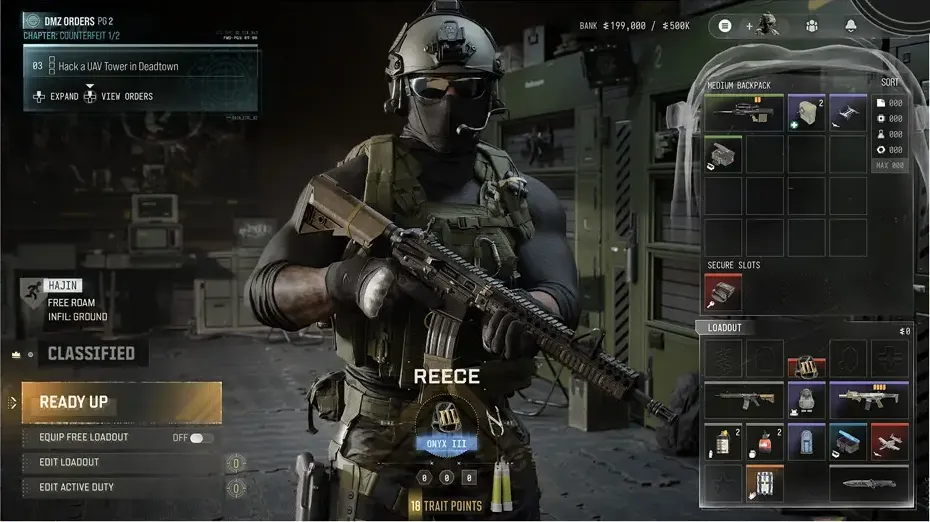
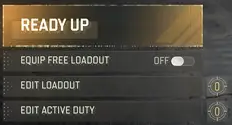
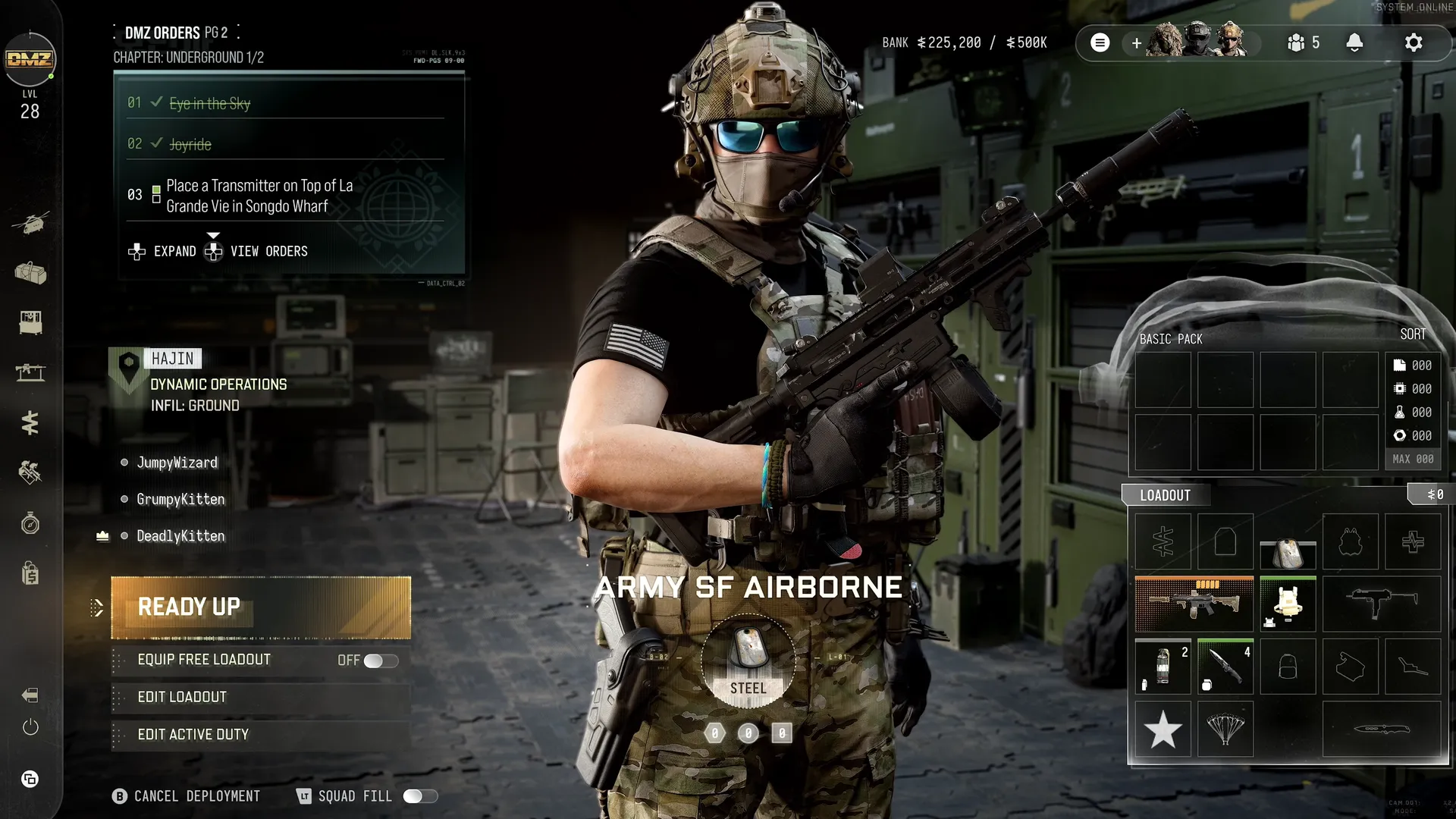
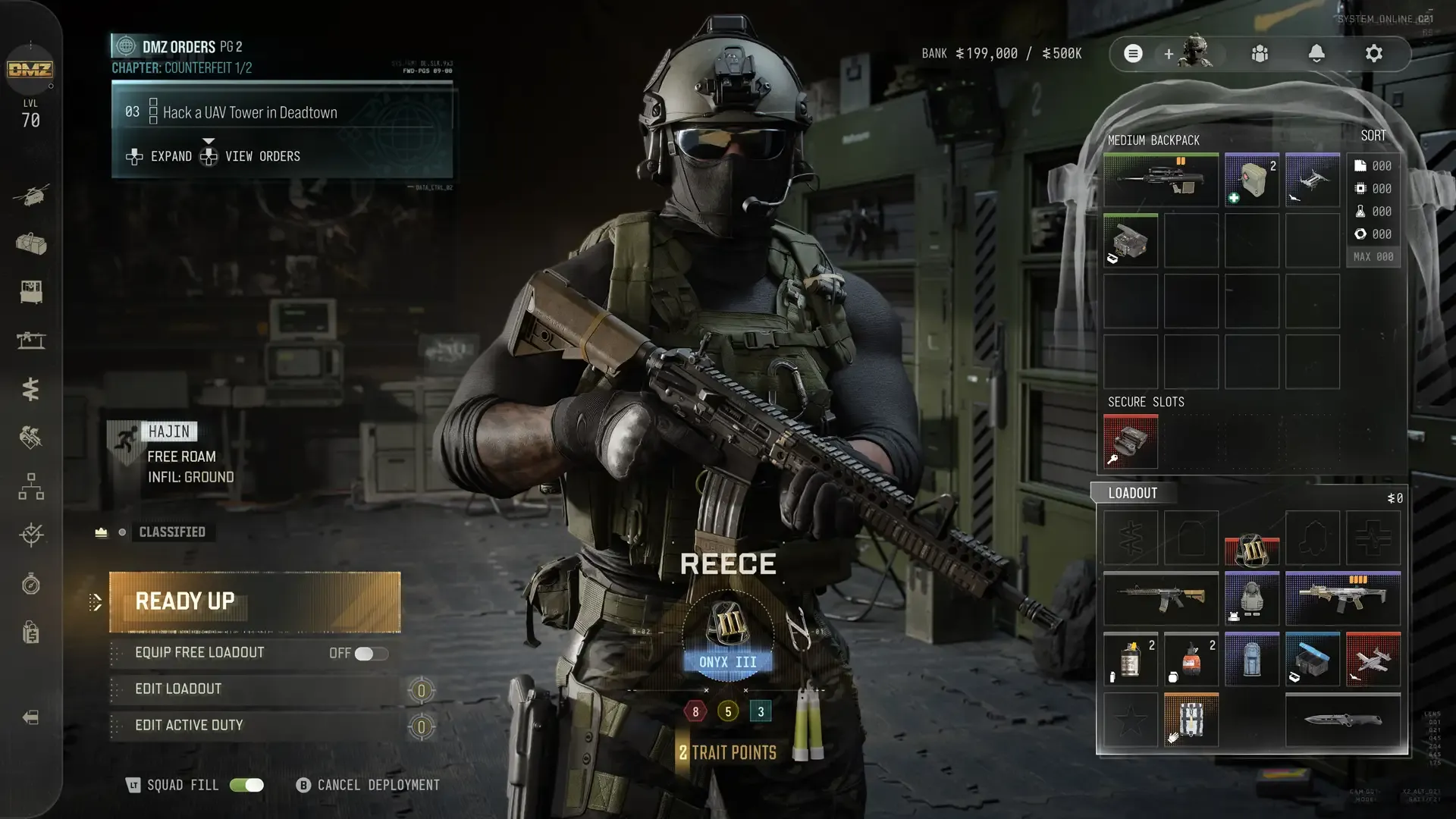
Story Mission selection takes you directly to Ready Up. For Dynamic Operations or Free Roam, choose the infil method first, then enter Ready Up. This is the final preparation menu before deploying.
Equip Free Loadout
Choose basic free equipment when short of Cash, missing printing capabilities or wanting to deploy quickly and build Stash reserves. Successfully extract and you keep the Free Loadout items.
Edit Loadout
| Recommended item | Purpose |
|---|---|
| Plate Carrier | Armor protection |
| Backpack | Carry items |
| Weapon | Offense |
| Medkit | Repair wounds |
Update Backpack and Loadout with anything you forgot. These are recommendations, not a mandatory four-item deployment gate.
Edit Active Duty
Swap to another available Active Duty Operator for this deployment.
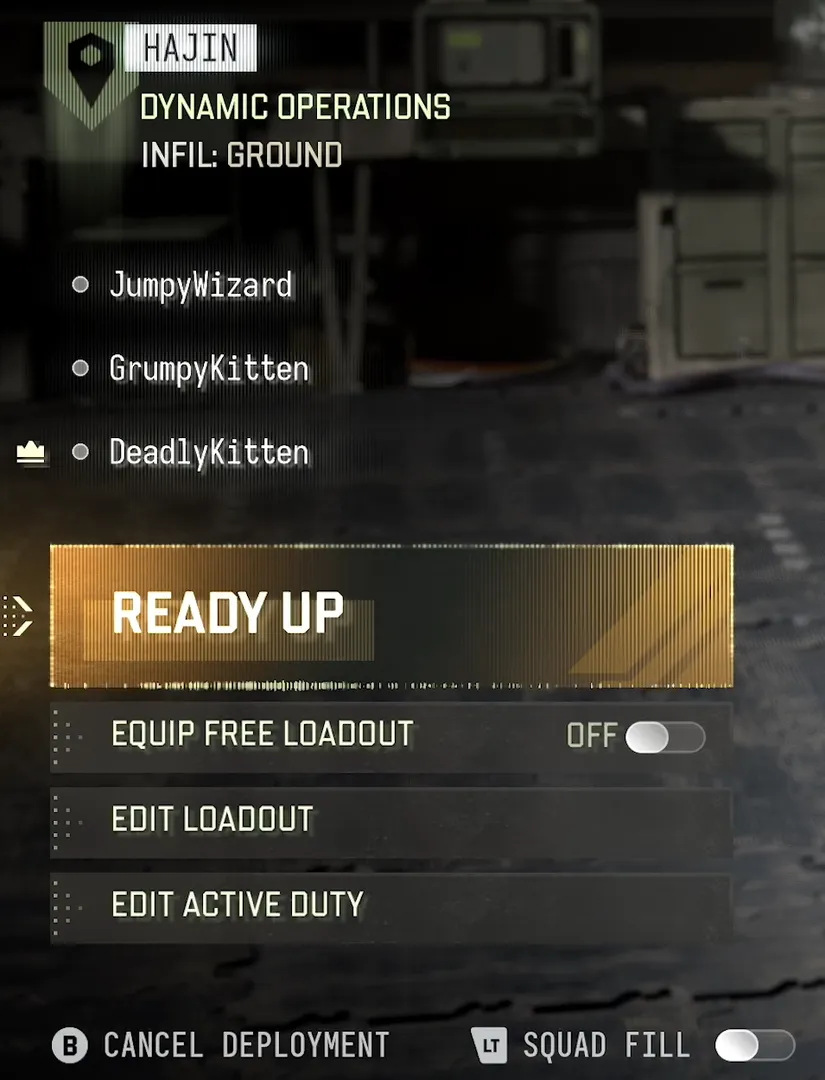
Squad Fill or cancel
Turn Squad Fill on or off, or cancel deployment. The guide says Squad Fill deploys you with two other allied players and recommends it when you do not have friends forming your squad.
Shown menu state
The Ready Up screenshot shows Reece, Onyx III, 2 unspent Trait Points and tree counters 8/5/3; these sum to 18 with unspent points and are one build, not a universal point allocation. The screenshot includes Free Roam / Ground infil, current Orders, Medium Backpack, Secure Slots and equipped Loadout. These are distinct panels with different functions.
FOB station: availability, inputs, actions and output
| Detail | Value |
|---|---|
| Official label | Deploy |
| Availability | always |
| Inputs | Deployment preparation; chosen Operator/loadout |
| Actions | Use razor-wire departure threshold leading to a heavy-lift transport helicopter |
| Outputs | Begin a DMZ deployment |
| Remaining details | Exact boarding, cancellation, spawn selection, matchmaking and vehicle identity; always-available is station availability |
Ready Up screen controls and mode flow
| Detail | Value |
|---|---|
| Modes | Story Missions · Dynamic Operations · Free Roam |
| Controls | Ready Up · Equip Free Loadout toggle · Edit Loadout · Edit Active Duty |
| Selected sample · Location | Hajin |
| Selected sample · Mode | Free Roam |
| Selected sample · Infil | Ground |
| Selected sample · Operator | Reece |
| Selected sample · Badge | Onyx III |
| Selected sample · Trait points | 18 |
| Selected sample · Bank | 199000 / 500K |
| Preparation | Edit Backpack and Loadout, swap Operator, enable Squad Fill; Free Loadout available if new/short of funds |
| Limits | Displayed balance/cap/points are sample-specific; no deployment action demonstrated |
Screenshots