

FOB
Forward Operating Base (FOB)
Prepare your next Hajin deployment at the Forward Operating Base (FOB). The station guide below follows the official overview’s order, with access requirements beside each station.
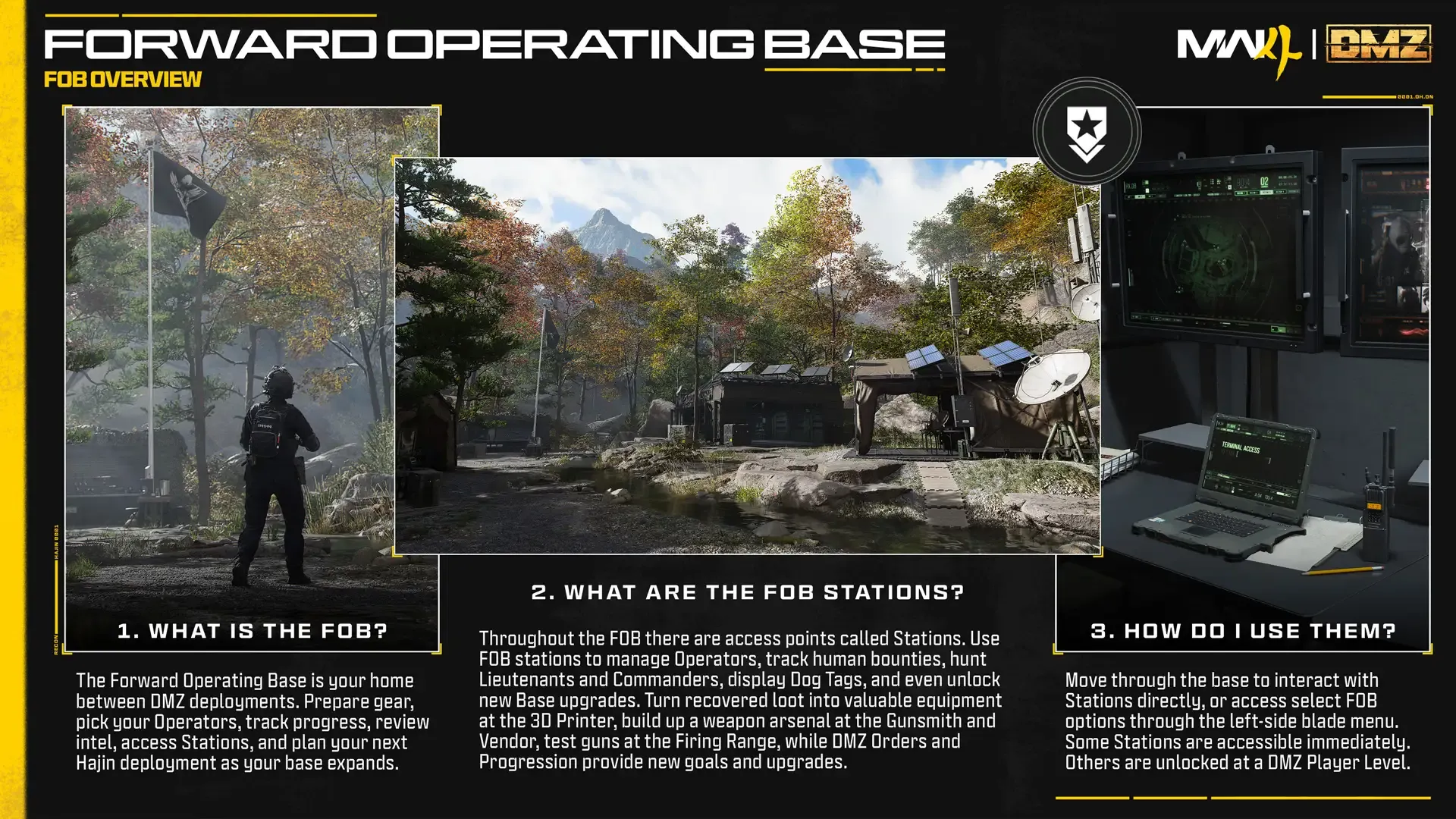
What is the FOB?
The Forward Operating Base is your home between DMZ deployments. Prepare gear, pick your Operators, track progress, review intel, access Stations, and plan your next Hajin deployment as your base expands.
How do I use them?
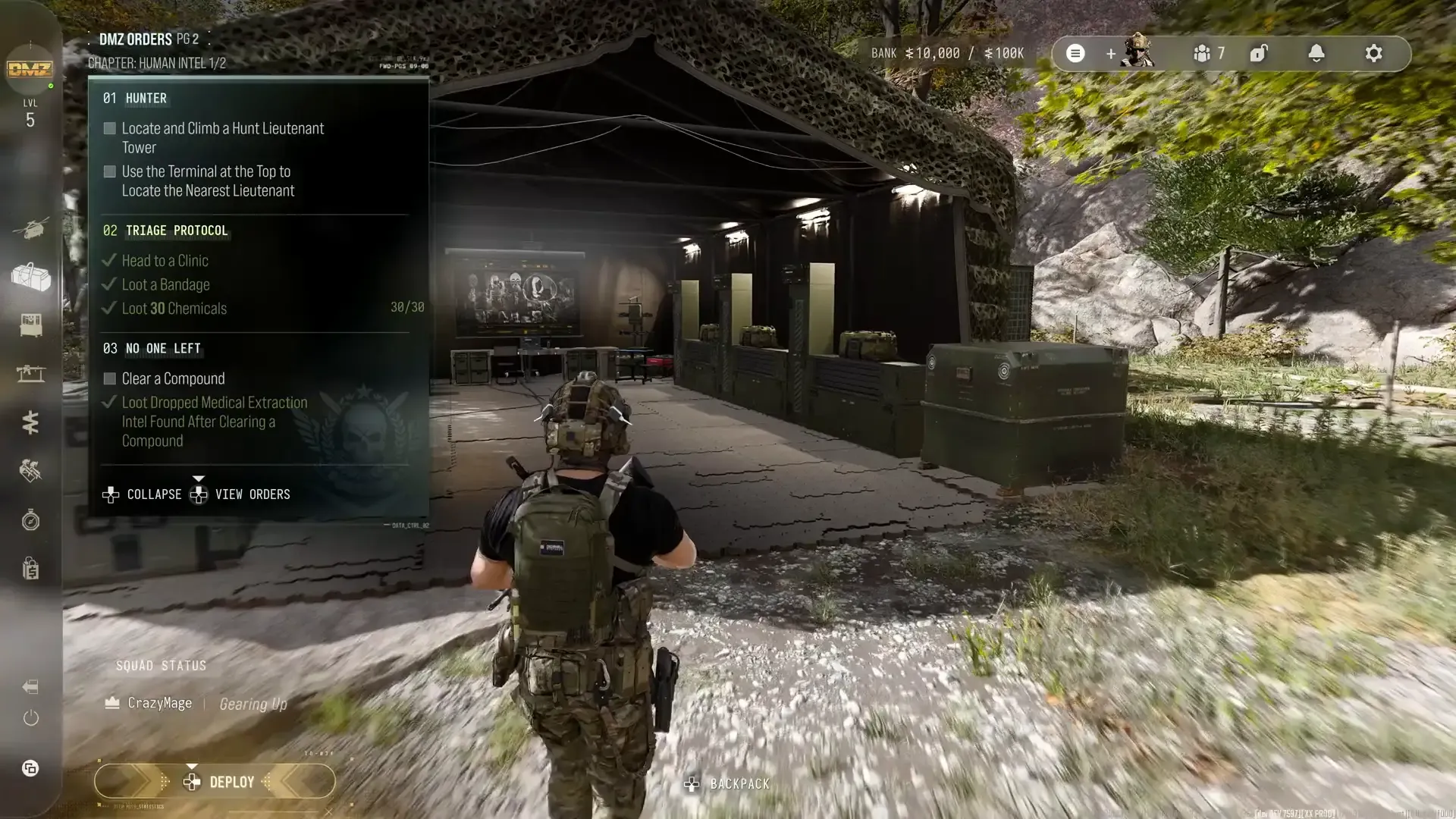
Move through the base to interact with Stations directly, or access select FOB options through the left-side blade menu. Some Stations are accessible immediately. Others are unlocked at a DMZ Player Level.
What are the FOB stations?
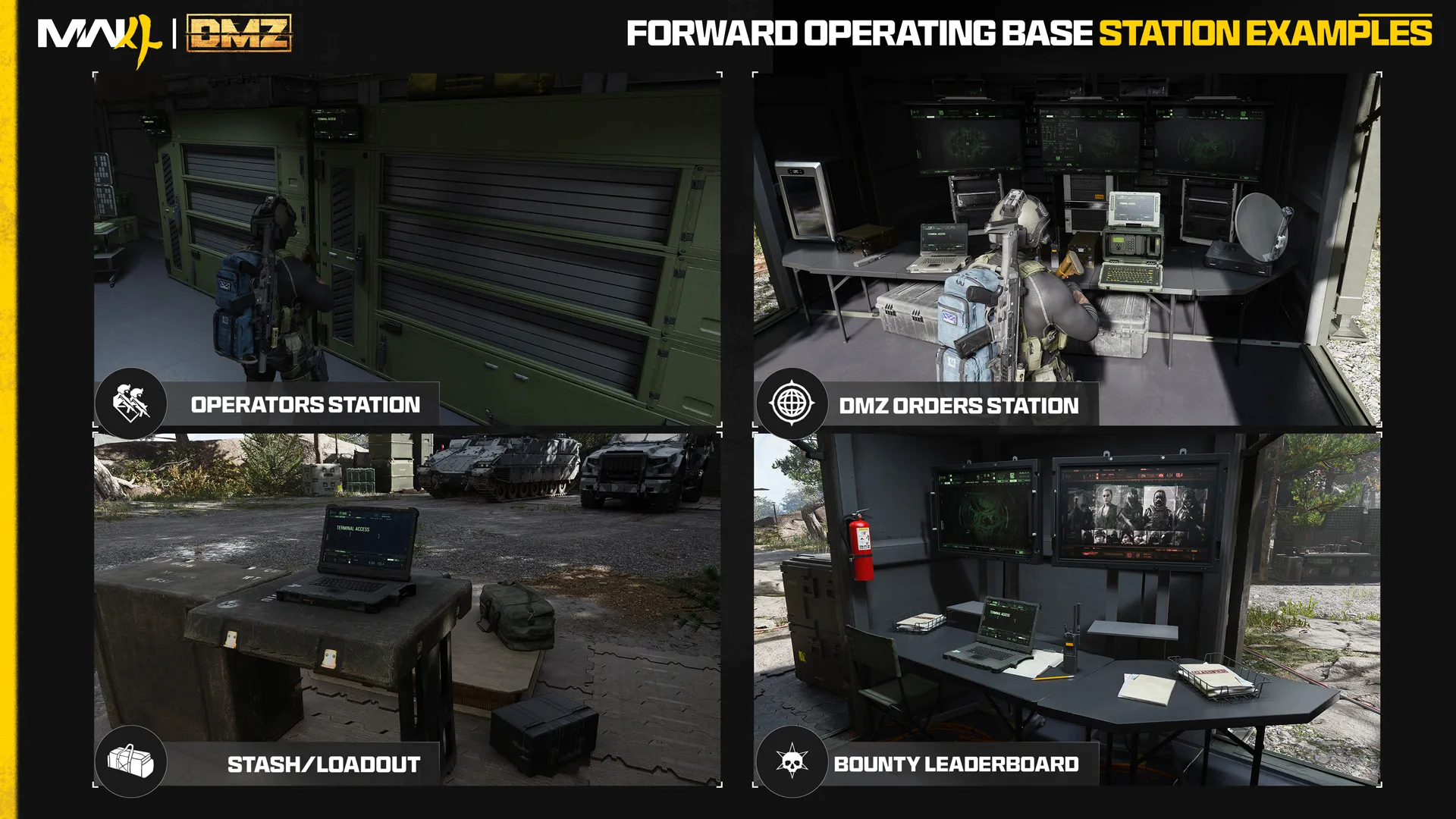
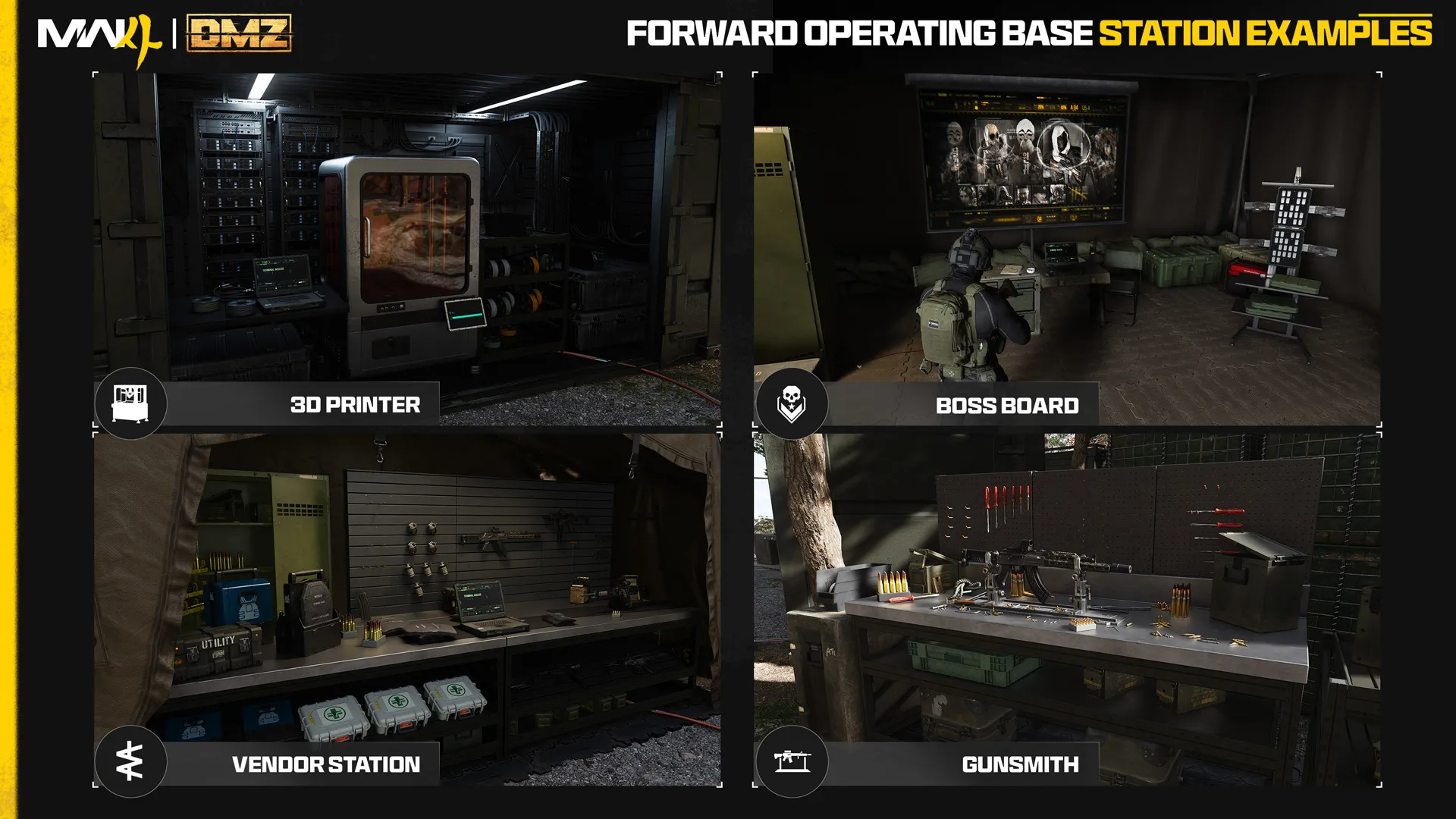
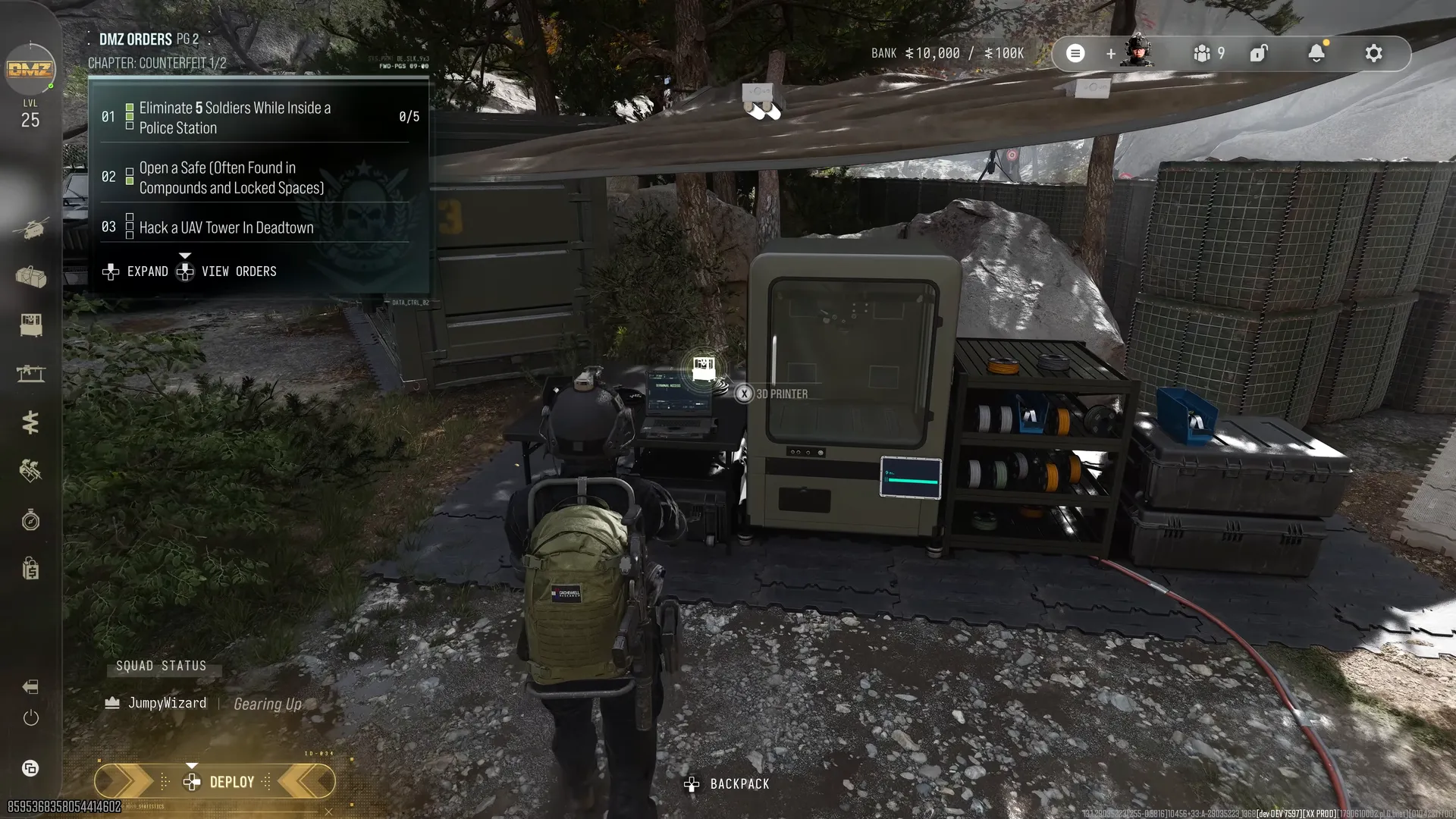
Throughout the FOB there are access points called Stations. Use FOB stations to manage Operators, track human bounties, hunt Lieutenants and Commanders, display Dog Tags, and even unlock new Base upgrades. Turn recovered loot into valuable equipment at the 3D Printer, build up a weapon arsenal at the Gunsmith and Vendor, test guns at the Firing Range, while DMZ Orders and Progression provide new goals and upgrades.
Station access and purpose
| Station | Availability in Part 2 | Main purpose |
|---|---|---|
| Operators | Immediate | Select, manage and develop Active Duty Operators |
| DMZ Orders | Immediate | Mission directives, onboarding and narrative challenges |
| Stash/Loadout | Immediate | Store loot and equip the next deployment |
| Firing Range | Immediate | Test weapons and optics at varied distances |
| Survival Kits | Immediate | Open themed supply packs |
| Bounty Leaderboard | Immediate | View successful PvP hunters and killers |
| 3D Printer | DMZ Player Level 2 | Craft equipment, ingredients and FOB upgrades |
| Boss Board | Complete the second DMZ Order | Buy Lieutenant intel; inspect Commander information |
| Vendor | DMZ Player Level 5 | Purchase rotating stock with DMZ Cash |
| Gunsmith | DMZ Player Level 10 | Build weapons and buy attachments |
| Dog Tag Case | DMZ Player Level 20 | Display collected Operator Dog Tags |
| DMZ Progression | Immediate | Inspect the dedicated Level 1–70 progression track |
| Deploy | Immediate | Prepare entry to Hajin |
Events is introduced later in the article; its availability wording differs between the prose and its graphic and is retained as a conflict in that station record.
What is DMZ?
DMZ combines persistent progression with an open-world combat environment. Deploy alone or with a squad, explore, engage AI enemies or rival Operators, loot, craft and complete objectives, then exfil to retain the rewards. Part 1 covers Hajin locations, buildings, vehicles and threats; this Part 2 covers the base and its preparation systems.
Expanding the base
The FOB is accessible from the DMZ main menu. Progression opens additional stations; the 3D Printer also produces permanent base upgrades using their required materials. Walking to a station and opening supported options through the blade menu are two access routes to these base functions.
Availability groups
| Detail | Value |
|---|---|
| Starting | Operators (Active Duty) · Stash/Loadout · DMZ Orders · Firing Range · Survival Kits |
| Later | 3D Printer · Gunsmith · Vendor · Bounty Leaderboard · Boss Board · Dog Tag Case · DMZ Progression |
| Always | Deploy |
Physical and menu access
| Detail | Value |
|---|---|
| Purpose | Preparation between deployments; manage Operators, progression, gear and intel |
| Navigation | Walk to stations; selected options also available through left-side blade menu |
| Station count named here | 14 |
| Version change | New Events station; Bounty and Progression immediately available in newer guide |
Camp overview and station sequence
| Detail | Value |
|---|---|
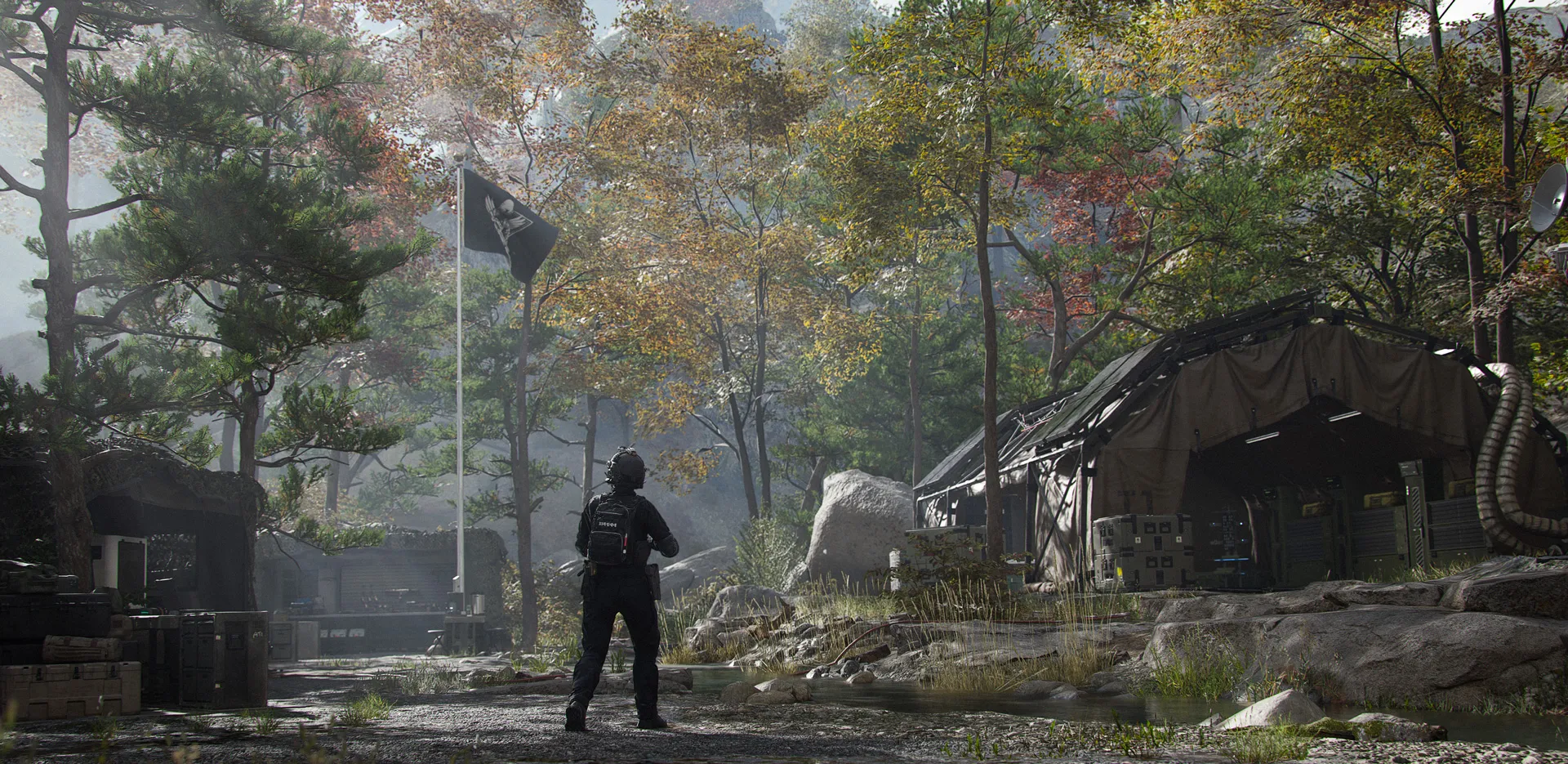
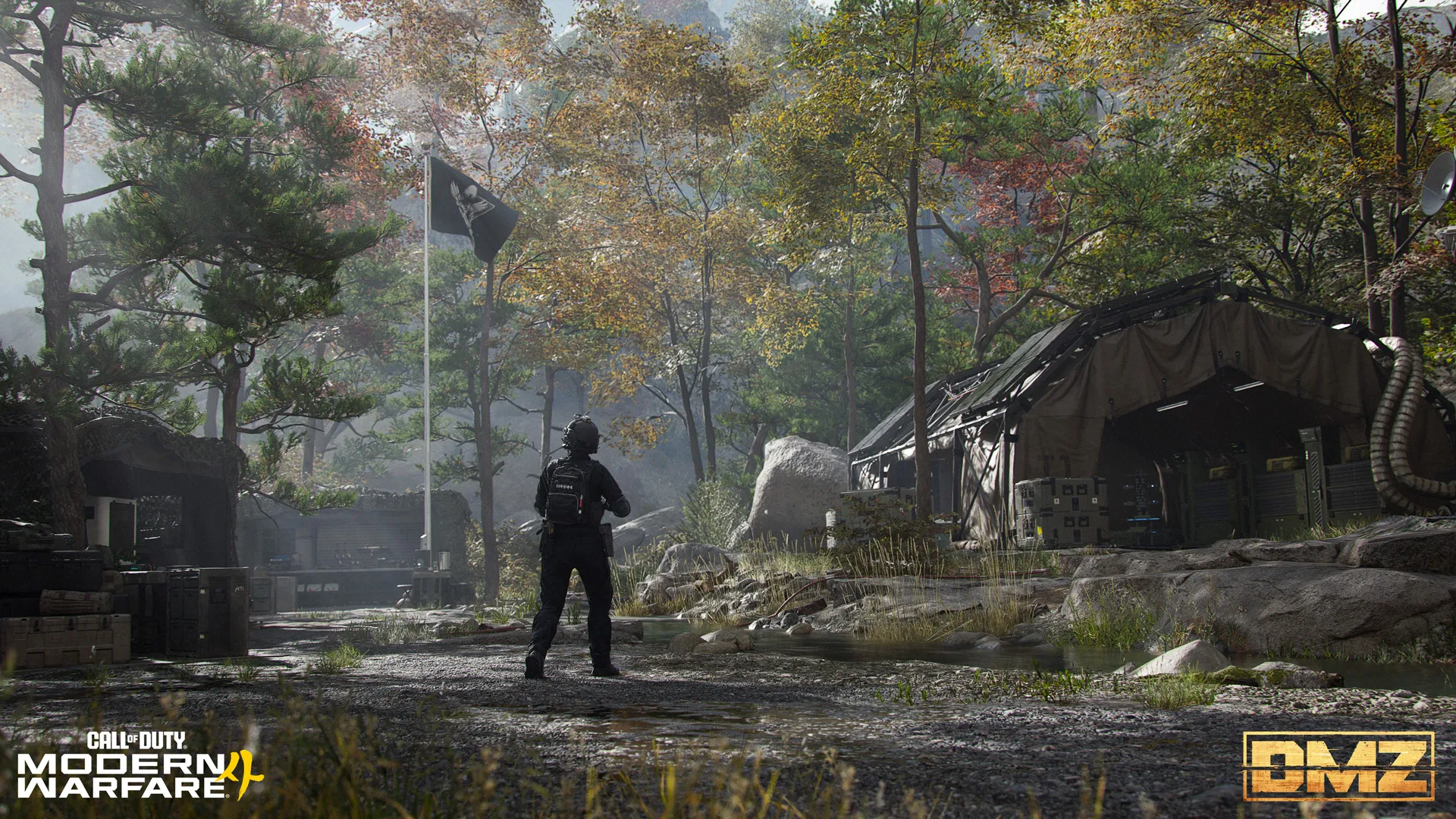
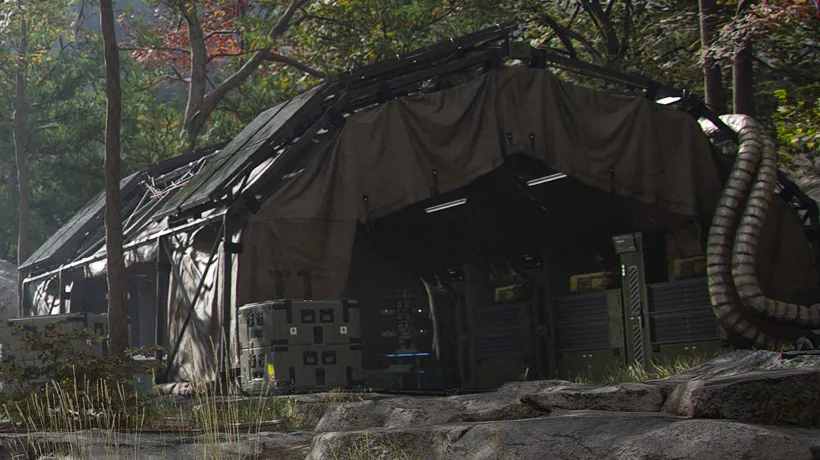
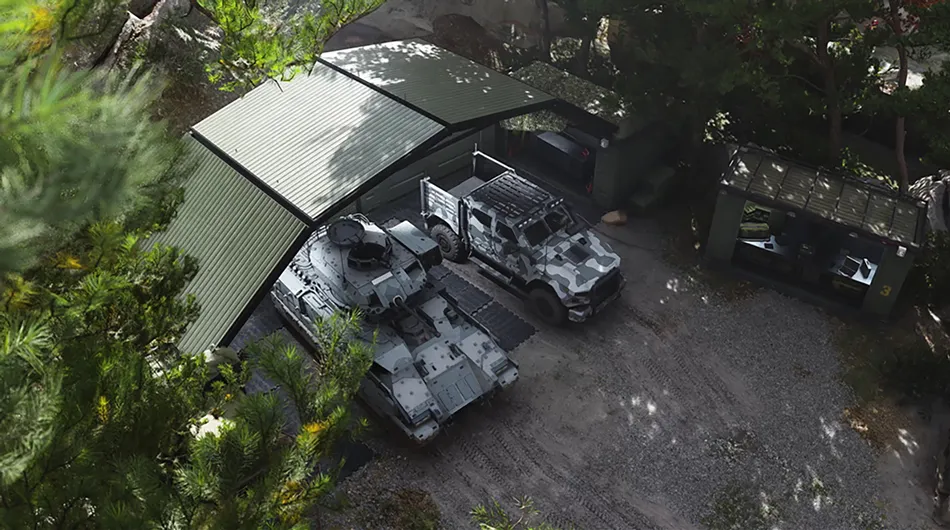
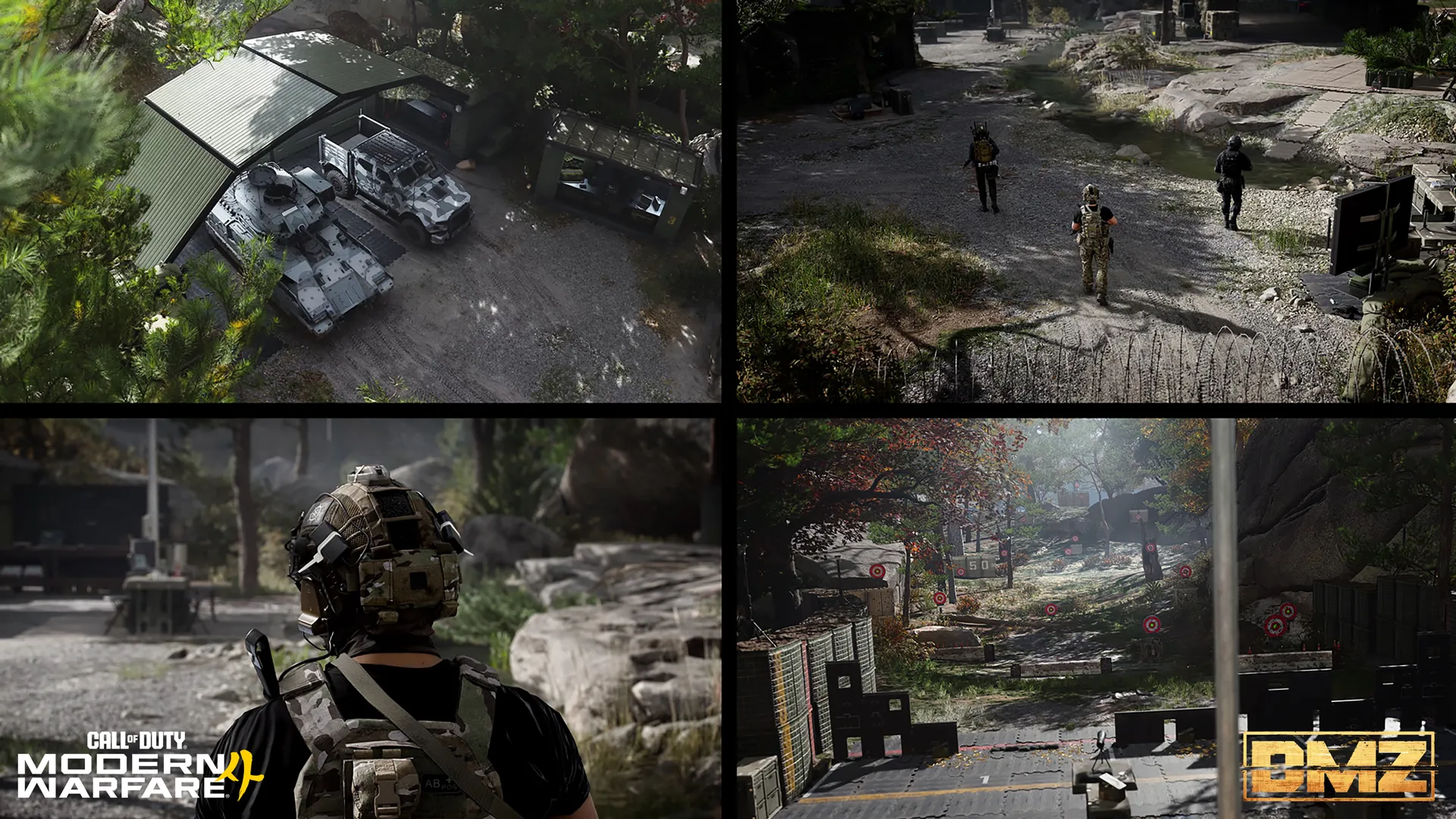
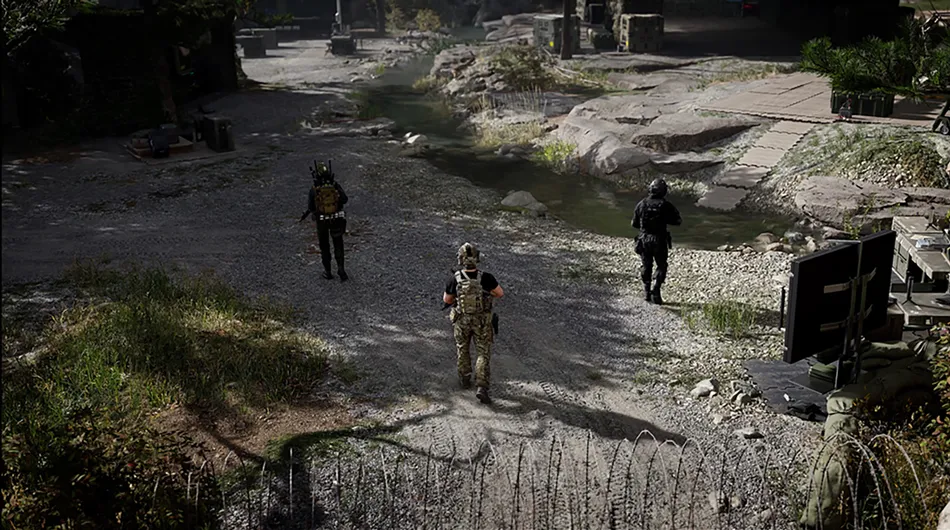
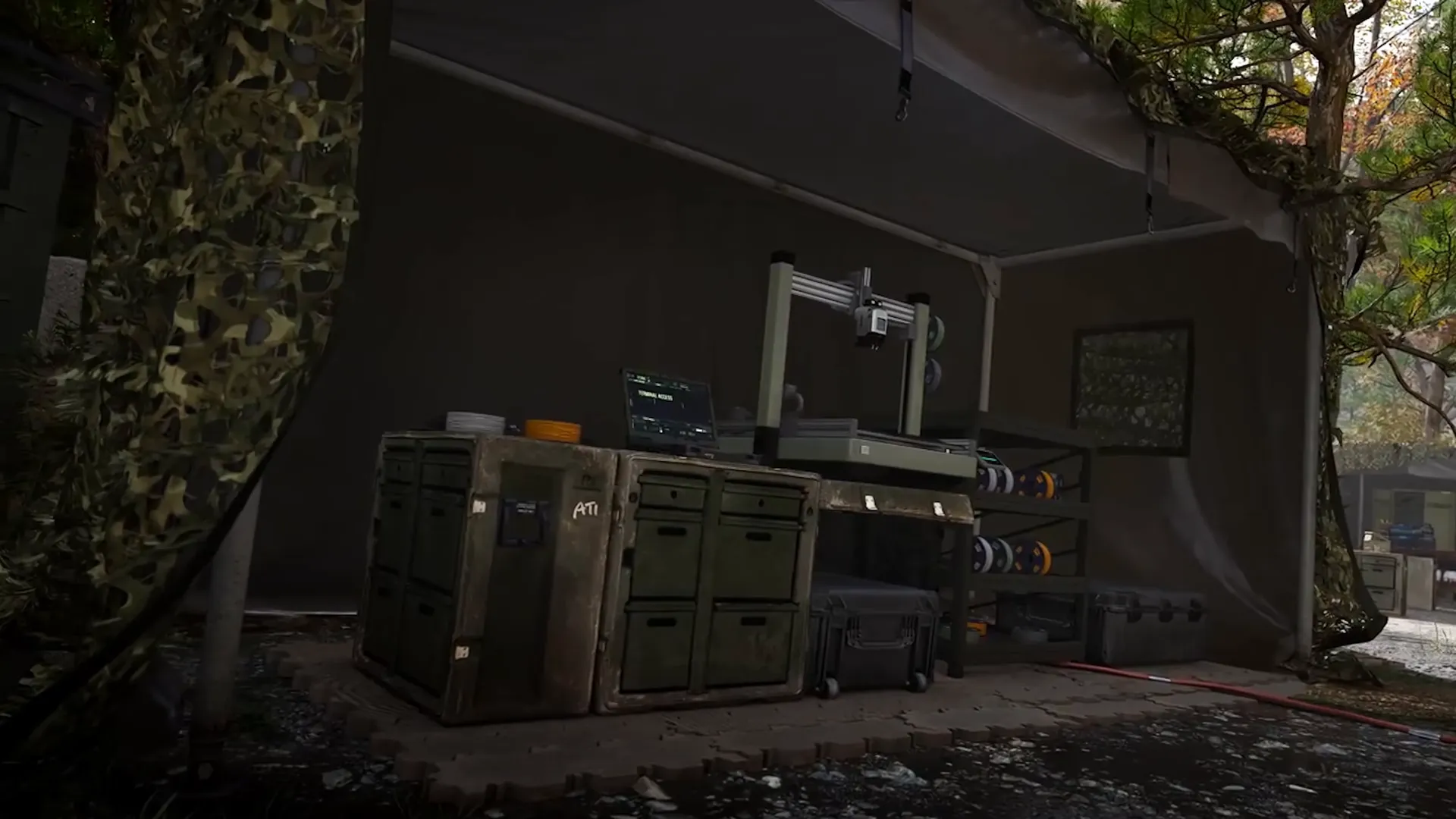
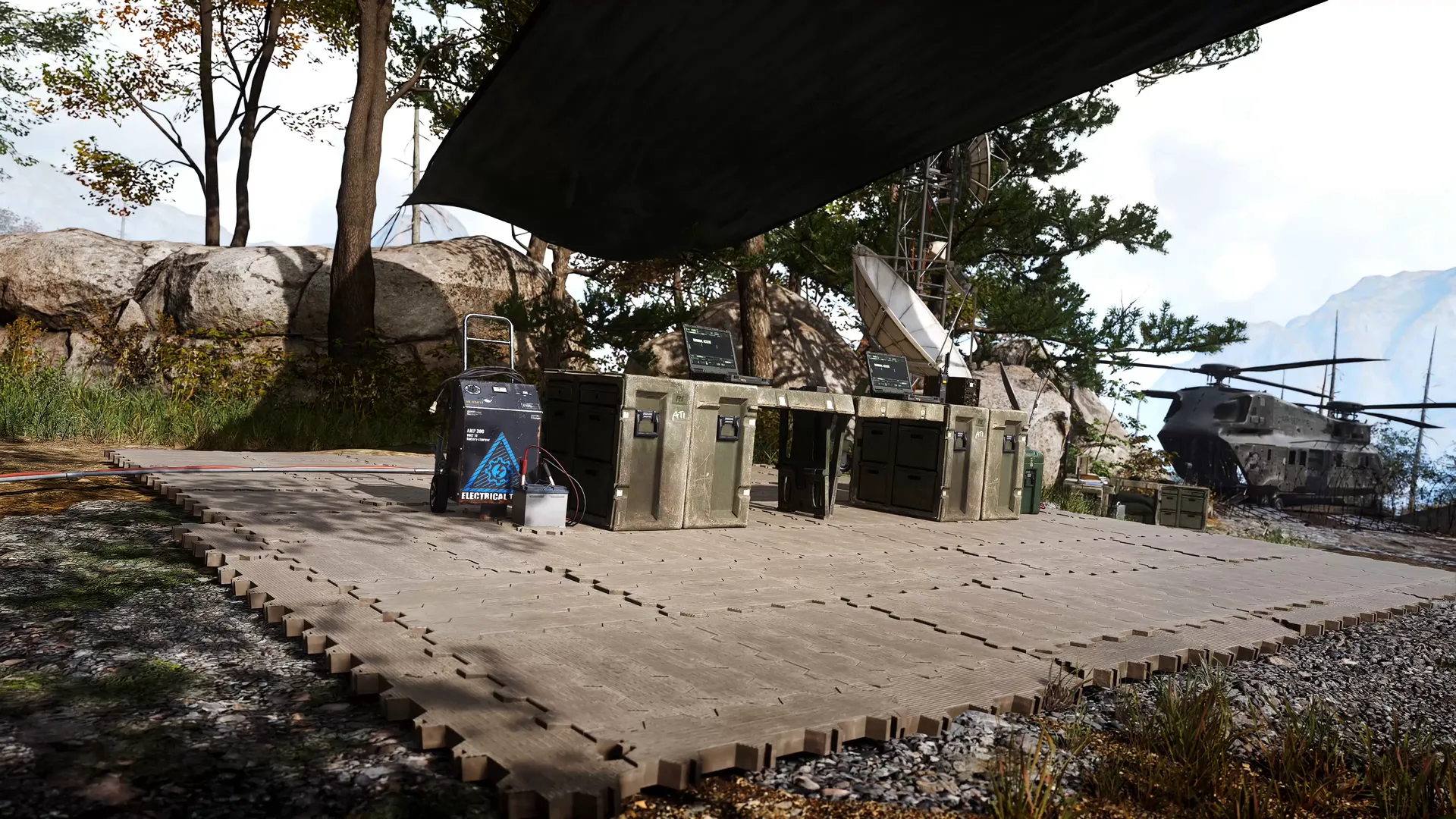
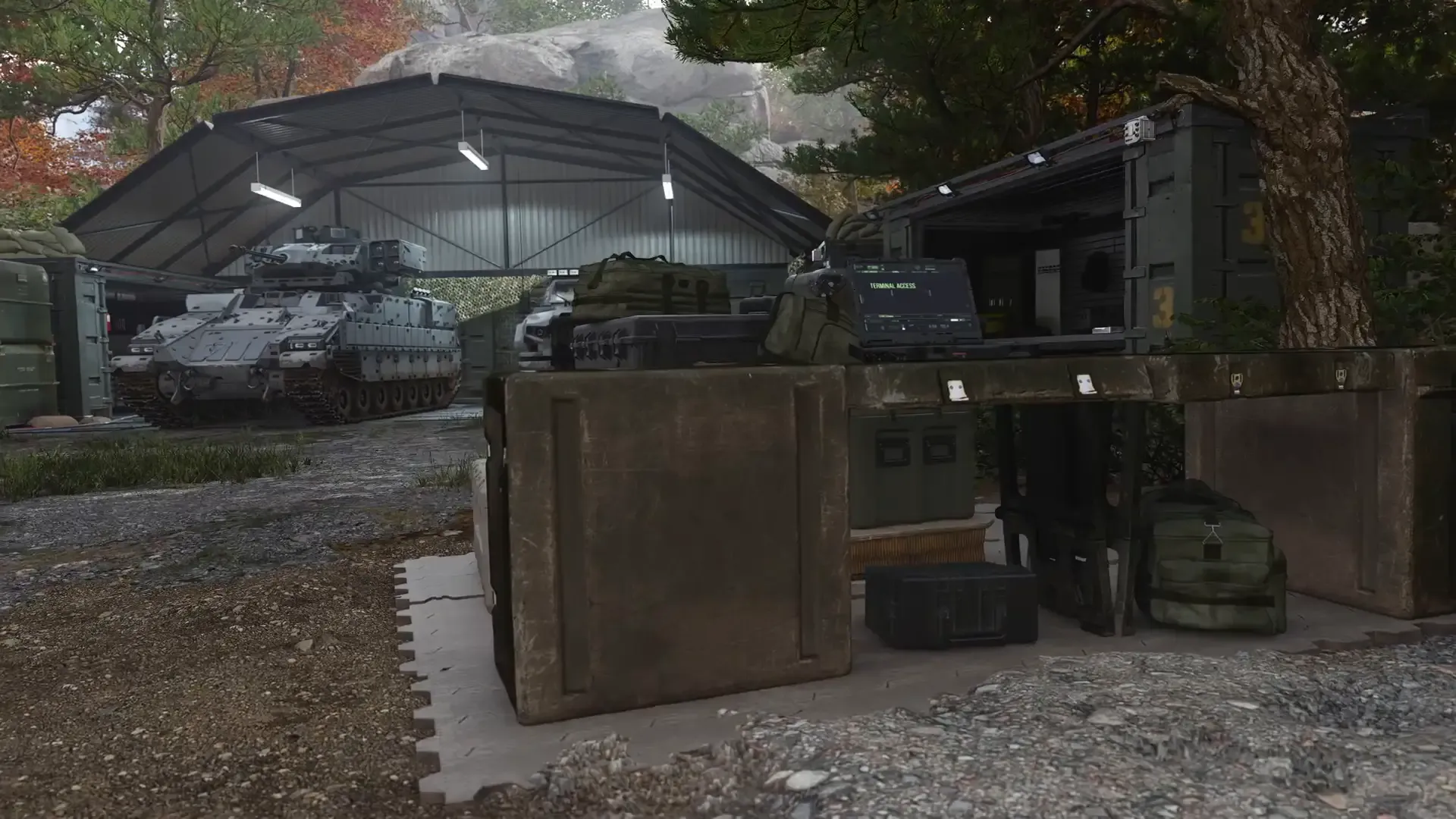
| Appearance | Canvas tents, equipment cases, counters, cables and outdoor wooded camp paths. Rapid cuts show a supply counter and open-gantry printer. |
| Limits | No continuous route between every station; do not infer station unlock levels or user-selectable appearance settings. |
Developer explanation of walkable base and quick menus
| Detail | Value |
|---|---|
| Paraphrase | The FOB is a walkable social space for squads to prepare and learn stations gradually; quick menu navigation remains available for experienced users. |
| Limits | No assertion that every upgrade is shared or every physical station has identical access requirements. |
Screenshots