

Systems & progression
Deployment activity selection
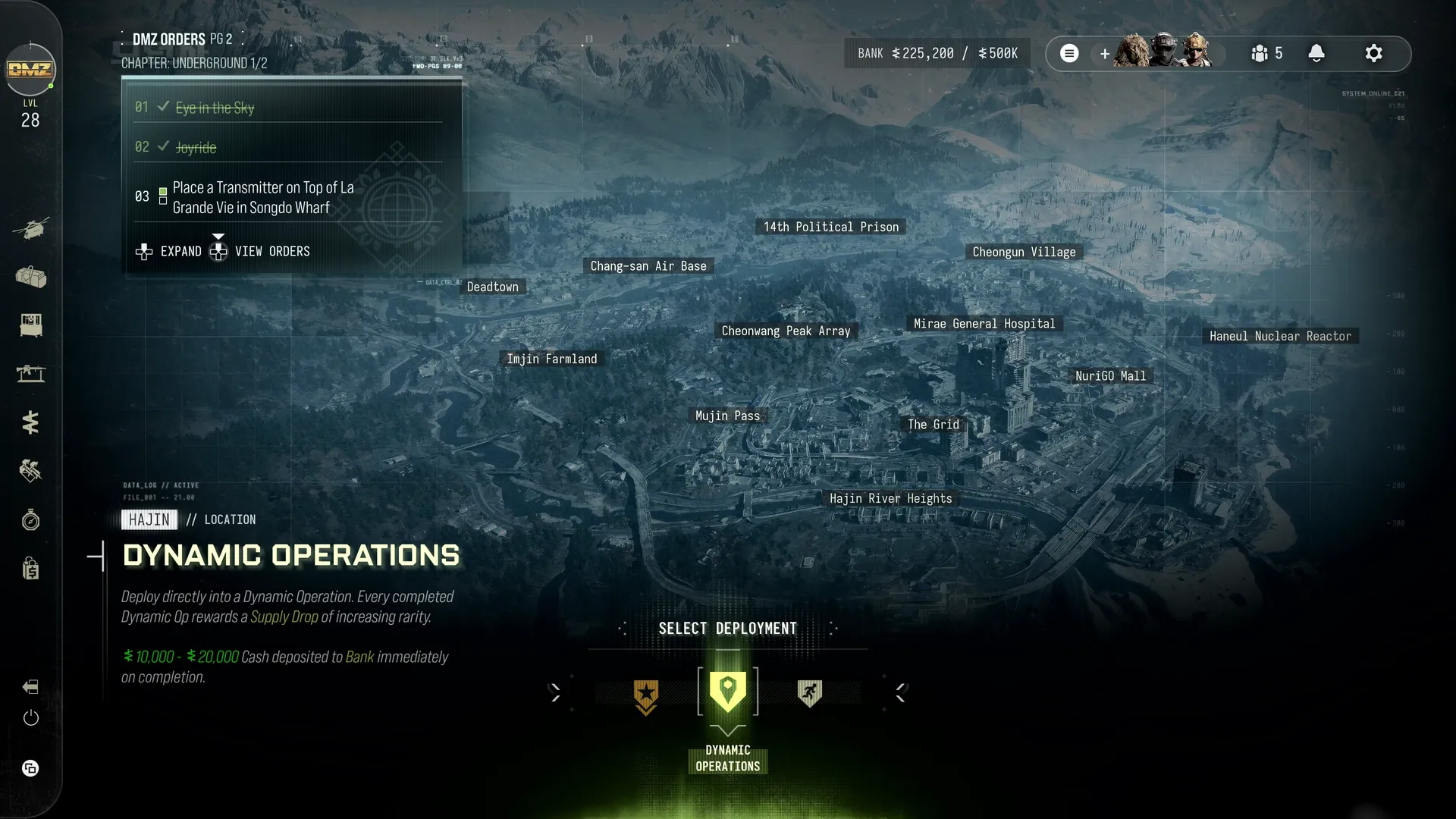
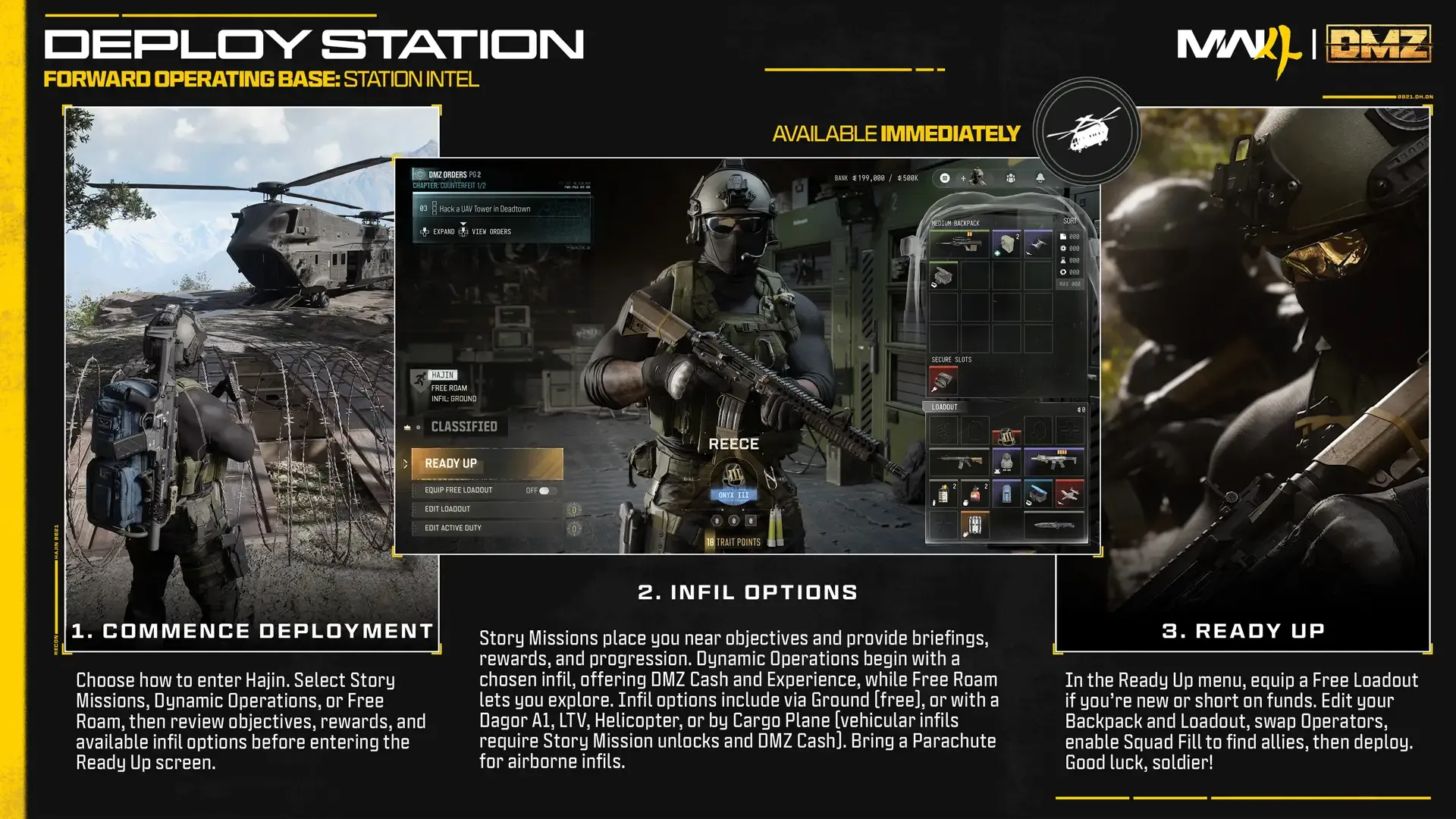
Story Missions, Dynamic Operations and Free Roam offer different starting objectives and rewards.
Access and activity choice
Available immediately through Deploy or the physical razor-wire/helicopter area of the FOB. Choose Story Missions, Dynamic Operations or Free Roam, then prepare to deploy into Hajin.
Story Missions
Select or replay a mission, read its briefing and objectives, inspect rewards (usually valuable gear and DMZ Cash), choose a random mission if desired, and work toward completion-milestone rewards. The graphic says these deployments place you near objectives. Compare the mission with everyone’s DMZ Orders to combine objectives, then enter Ready Up.
Dynamic Operations and Free Roam
Dynamic Operations reward Cash and XP, with a Supply Drop of increasing rarity for each completed Operation. Free Roam starts without an assigned mission and permits exploring, ingredient looting and hunting Wanted Operators. The article’s last Free Roam tip is truncated; no missing ending is invented.
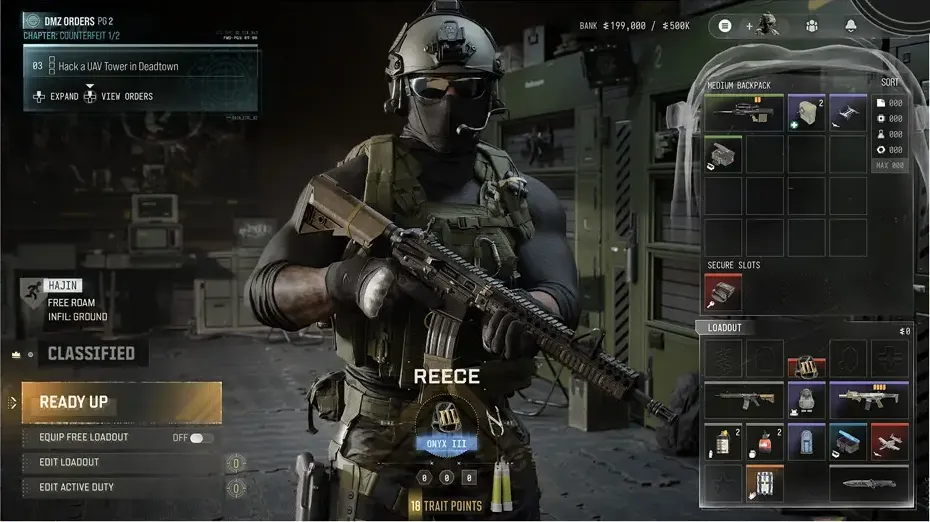
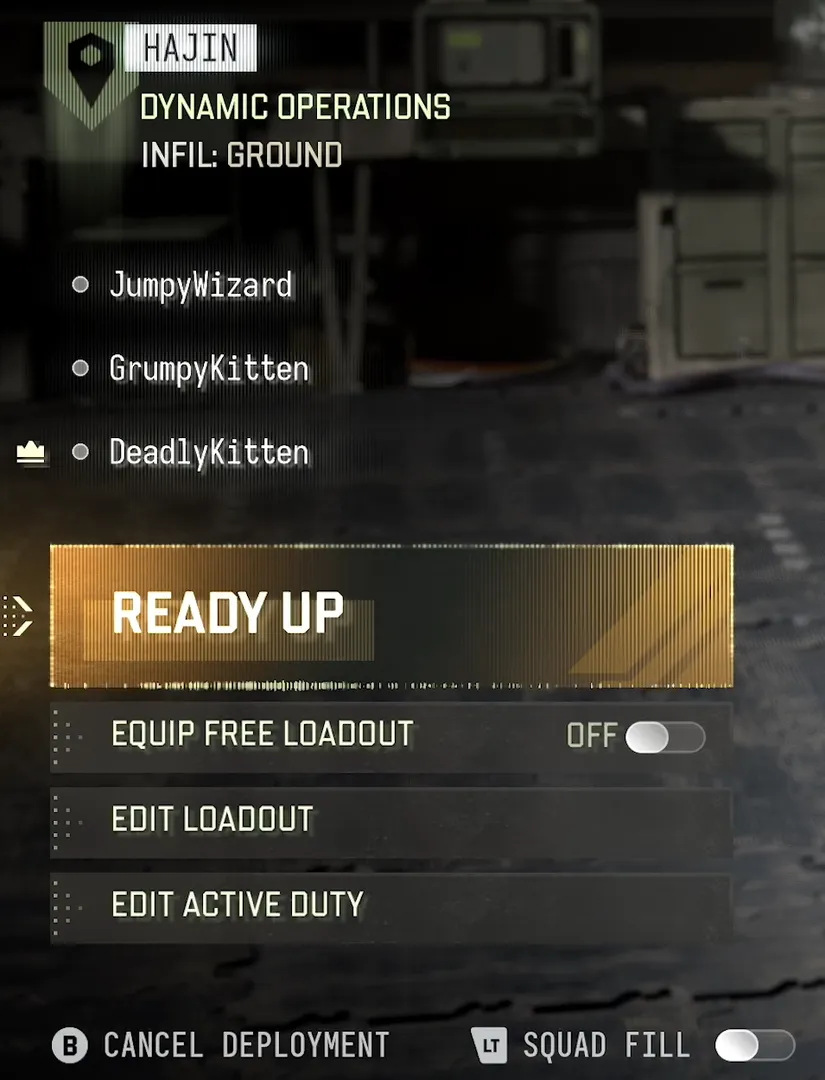
Ready Up — final preparation
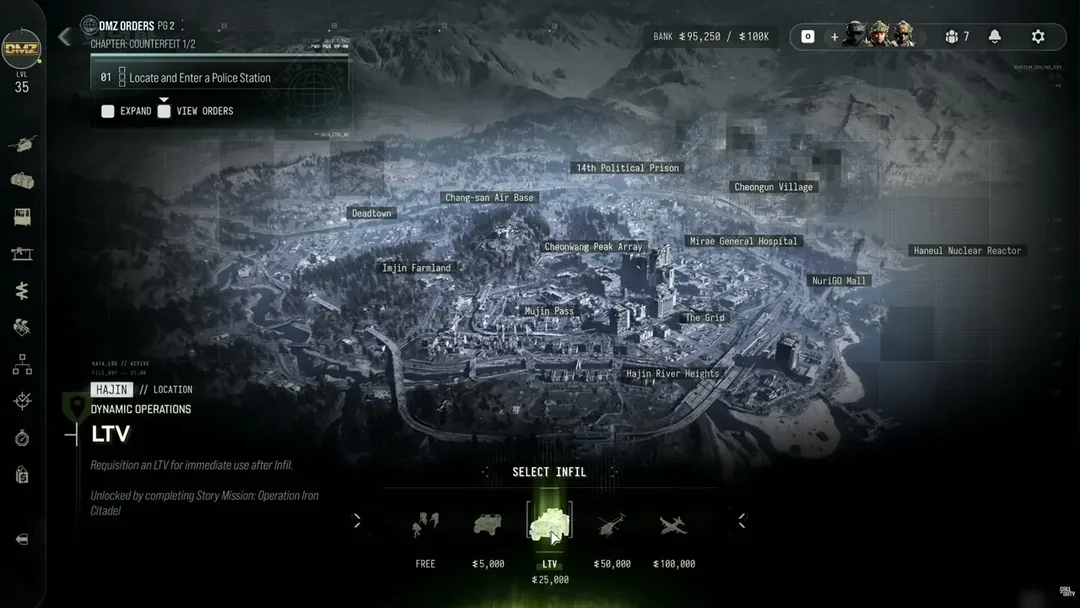
Story Mission selection takes you directly to Ready Up. For Dynamic Operations or Free Roam, choose the infil method first, then enter Ready Up. This is the final preparation menu before deploying.
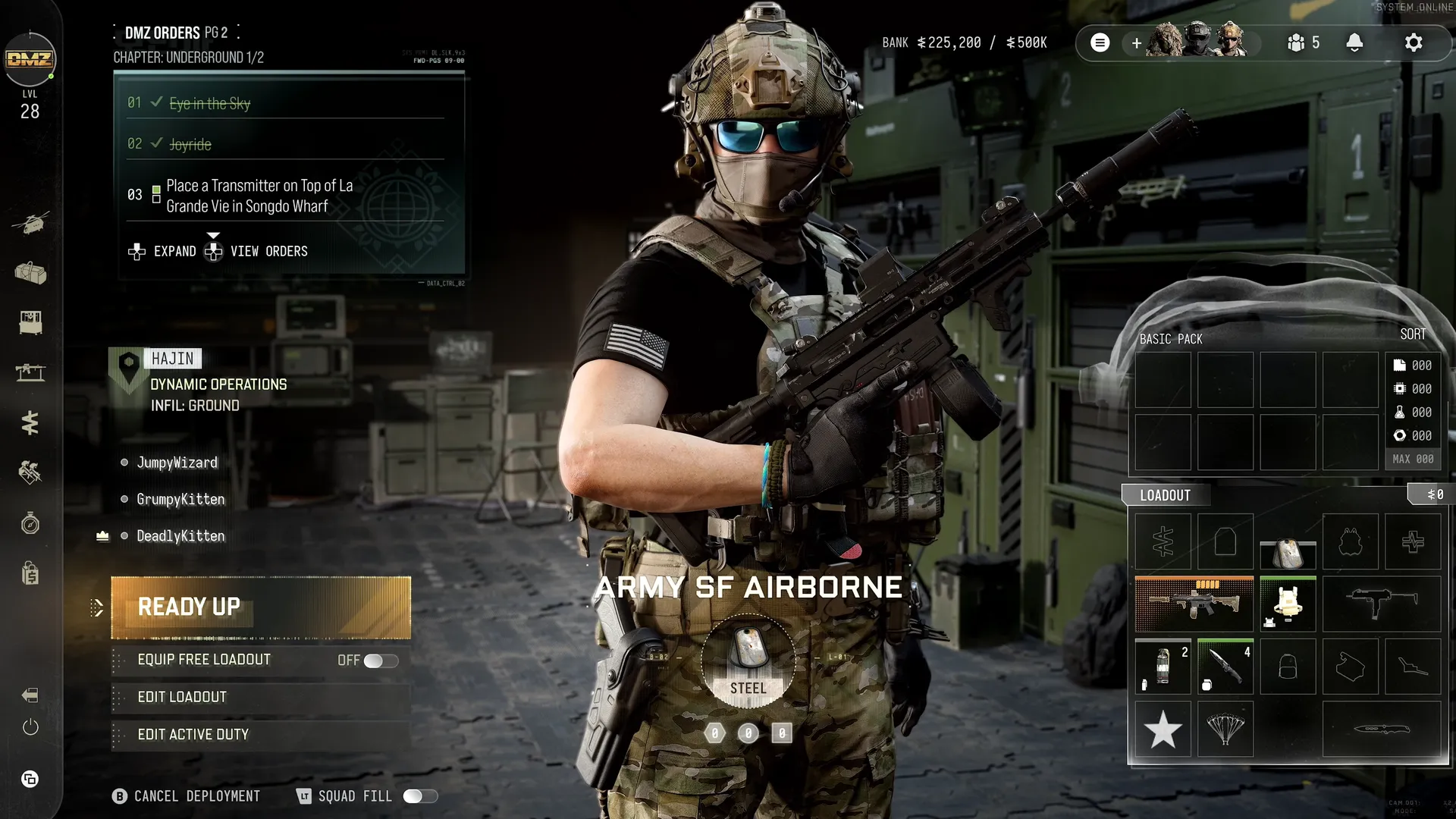
Equip Free Loadout
Choose basic free equipment when short of Cash, missing printing capabilities or wanting to deploy quickly and build Stash reserves. Successfully extract and you keep the Free Loadout items.
Edit Loadout
| Recommended item | Purpose |
|---|---|
| Plate Carrier | Armor protection |
| Backpack | Carry items |
| Weapon | Offense |
| Medkit | Repair wounds |
Update Backpack and Loadout with anything you forgot. These are recommendations, not a mandatory four-item deployment gate.
Edit Active Duty
Swap to another available Active Duty Operator for this deployment.
Squad Fill or cancel
Turn Squad Fill on or off, or cancel deployment. The guide says Squad Fill deploys you with two other allied players and recommends it when you do not have friends forming your squad.
Mode selection and squad preparation
| Detail | Value |
|---|---|
| Story | Select/replay Story Mission, briefing/objectives/rewards, random mission and milestones; chapter Orders may overlap |
| Dynamic | Completed Ops deliver Supply Drops of increasing rarity |
| Free roam | No assigned mission |
| Preparation | Ready Up, edit Operator/gear, optional basic Free Loadout; keep after successful exfil |
| Squad fill | Two allies via toggle; can cancel |
Early Access announcement and qualifiers
| Detail | Value |
|---|---|
| Campaign date | 2026-10-16 |
| Dmz date | 2026-10-20 |
| Launch date | 2026-10-23 |
| Eligibility | Digital preorder or prepurchase of Standard Digital or Vault Edition |
| Platforms | Xbox Series X|S · Xbox on PC · PlayStation 5 · Battle.net · Steam · Nintendo Switch 2 |
| Qualifiers | Dates/platform availability can change; playtime subject to outages/timezones. No exact regional start hour supplied in this post. |
| Limits | Dated announcement, not proof of live availability or content launch acceptance. |
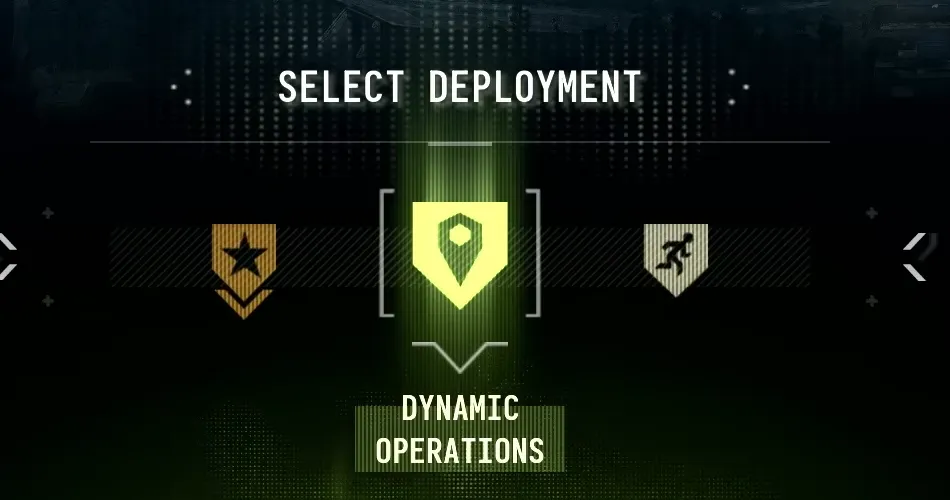
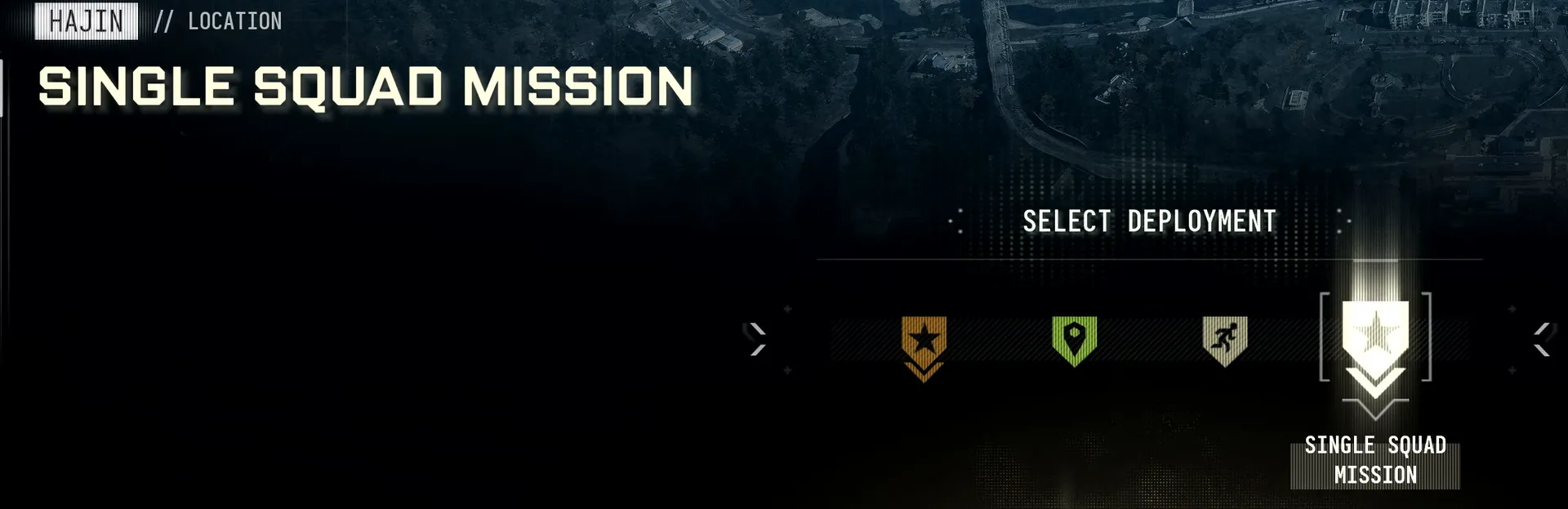
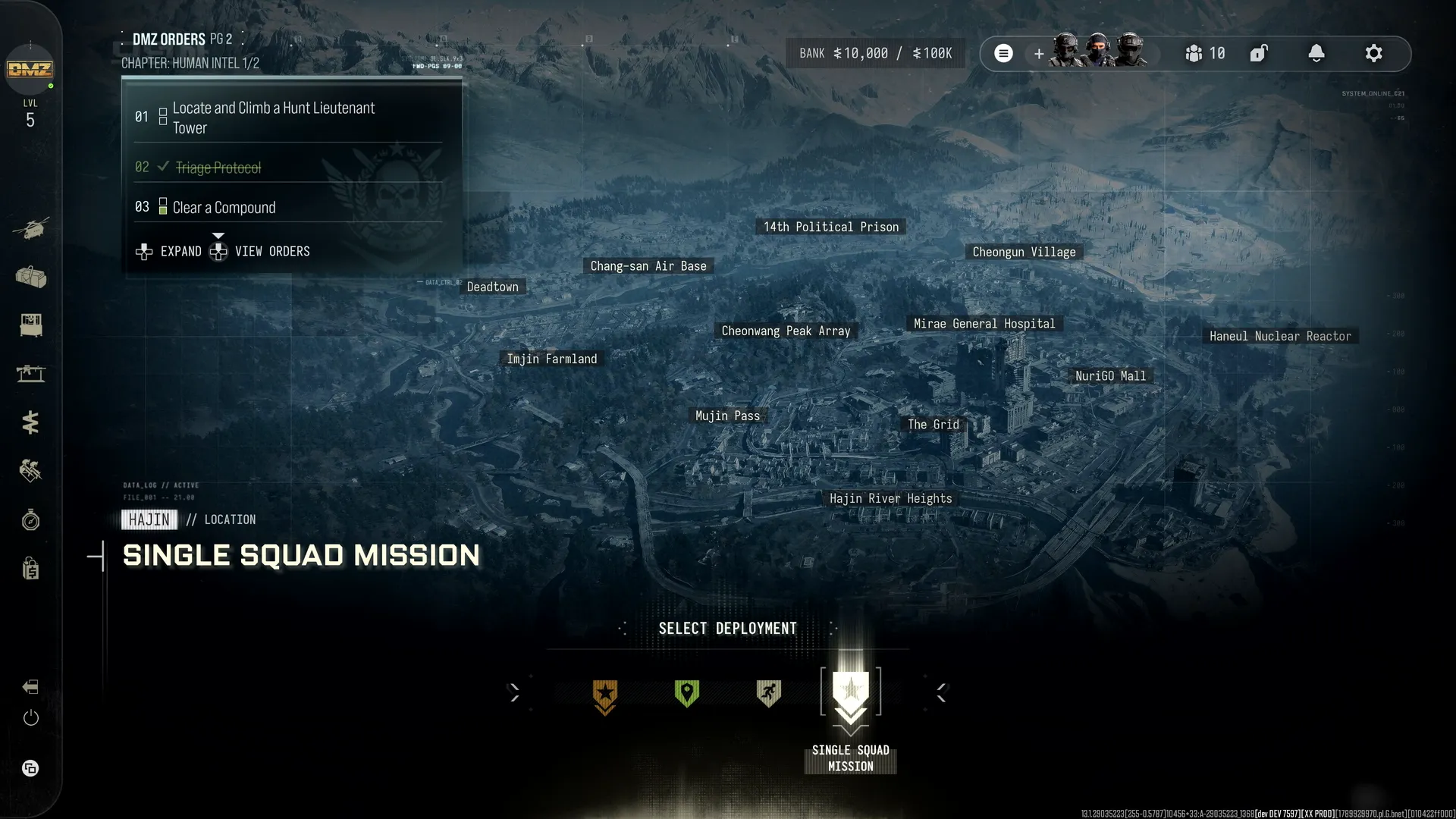
Complete bottom selector and Orders context
| Detail | Value |
|---|---|
| Selected icon | Map pin inside shield |
| Left icon | Star shield |
| Right icon | Running figure shield |
| Neighbor labels | Not expanded here; Story Missions and Free Roam are separately established by official Deploy prose |
| Orders | Underground 1/2, PG2; Eye in the Sky and Joyride checked; third transmitter objective active |
| Controls | Select Deployment · Expand · View Orders |
| Limits | Orders overlay is distinct from deployment category; no extra mode invented from an icon |
Fourth development deployment option
No explanatory text displayed under this selection.
| Detail | Value |
|---|---|
| Label | SINGLE SQUAD MISSION |
| Other options | Story Missions · Dynamic Operations · Free Roam |
| Limits | Visible at 453.75–455.25s in an edited development preview. This does not establish launch availability, private servers, PvE-only rules, matchmaking or a Level 5 unlock. |
Reported developer clarification of Single Squad Mission
| Detail | Value |
|---|---|
| Claim | The visible Single Squad Mission selection was a developer playlist for internal solo loading, never intended for public use. |
| Solo distinction | Players can turn off squad fill, but that does not guarantee solo-only lobbies. |
Single Squad Mission is an internal developer playlist
The preview selection was used by developers to enter a match alone and was never intended for public use. Turning squad fill off lets a player deploy solo but does not guarantee a solo-only lobby.
| Detail | Value |
|---|---|
| Limits | Does not establish a public PvE/private queue or rule out future separately announced modes. |
Squad-size matching and assimilation
Matchmaking aims to group solos with solos, duos with duos and trios with trios, without a guarantee. Players can truce, betray or assimilate; total assimilated squad size is capped at four. The answer names Tourniquet and Stealth Meter as solo-support mechanics.
| Detail | Value |
|---|---|
| Limits | No population threshold, matchmaking timeout or guaranteed solo-only playlist specified. Creator population explanations remain interpretations. |
Reconnect condition
The developer says a disconnected player should be able to reconnect while the original server is still running.
| Detail | Value |
|---|---|
| Limits | No reconnect grace period, character vulnerability, server-crash refund, gear protection or guaranteed successful recovery specified. |
Hajin launch population and simultaneous infil
Up to 20 squads and 60 players; at launch on Hajin all squads spawn at the same time.
| Detail | Value |
|---|---|
| Limits | Maximum, not a guaranteed filled lobby. Does not establish how 20-squad and 60-player limits interact in solo-heavy matches. Reconnecting an existing player is separate from a new late infil. |
First FOB visit: deployment issue
Some players cannot access Orders or deploy after selling starting equipment or dismissing their equipped Active Duty Operator during the first FOB visit. Infinity Ward’s workaround is to join a friend and deploy into DMZ; progress is restored on entering Hajin. Status checked October 20, 2026: investigating.
Screenshots