

Systems & progression
Tac-Map controls, coordinates and Orders
Use the Tac-Map to orient yourself, inspect activities and Orders, and coordinate a route with your squad.
Navigation and objectives
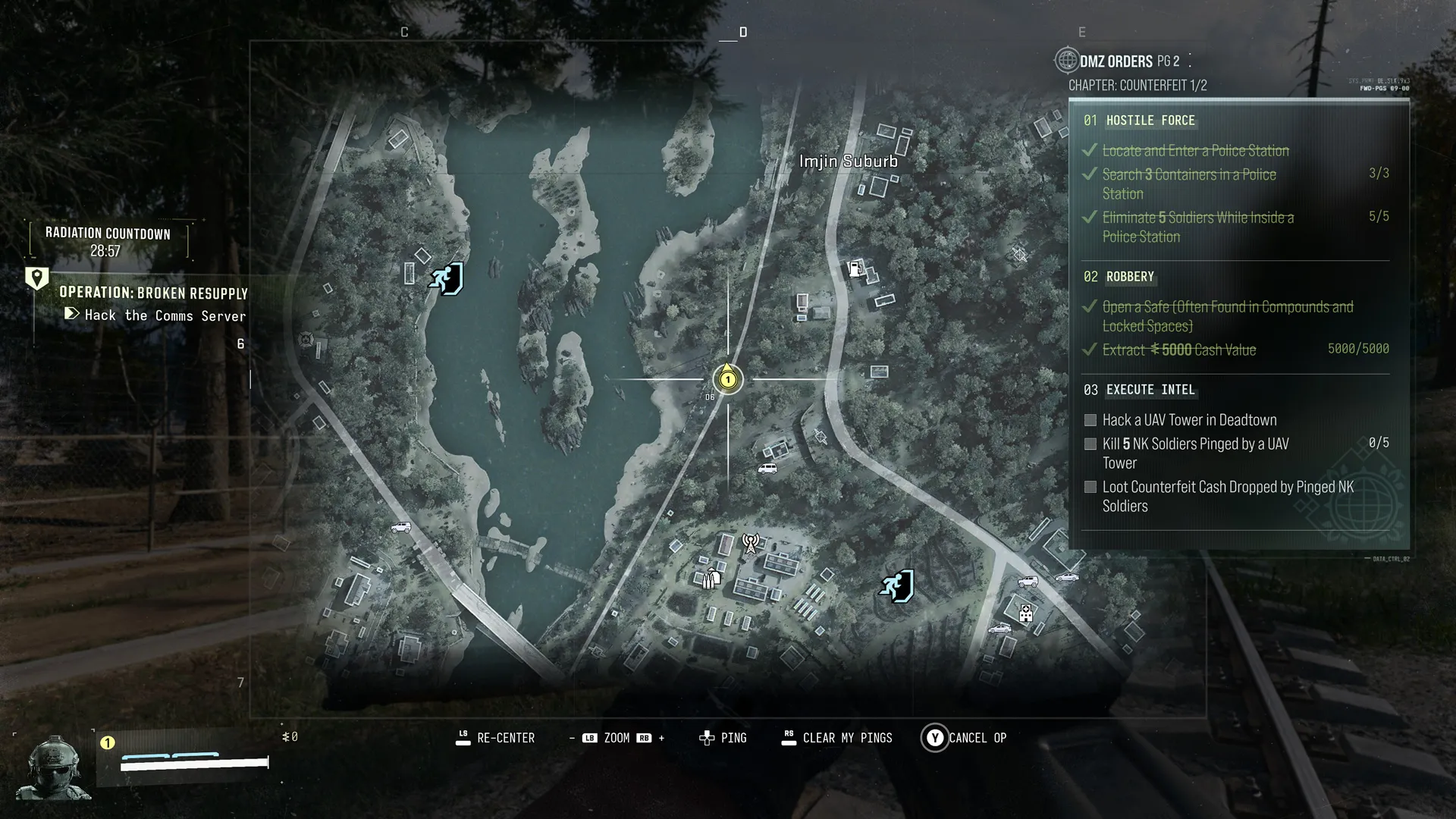
Recenter on your position, move the cursor, zoom, place a ping, clear your pings or cancel the current Operation. The map shows terrain, threats and biological hazards. Active Orders and progress appear at the right; ping a location objective to share it with the squad.
Grid coordinates and Keys
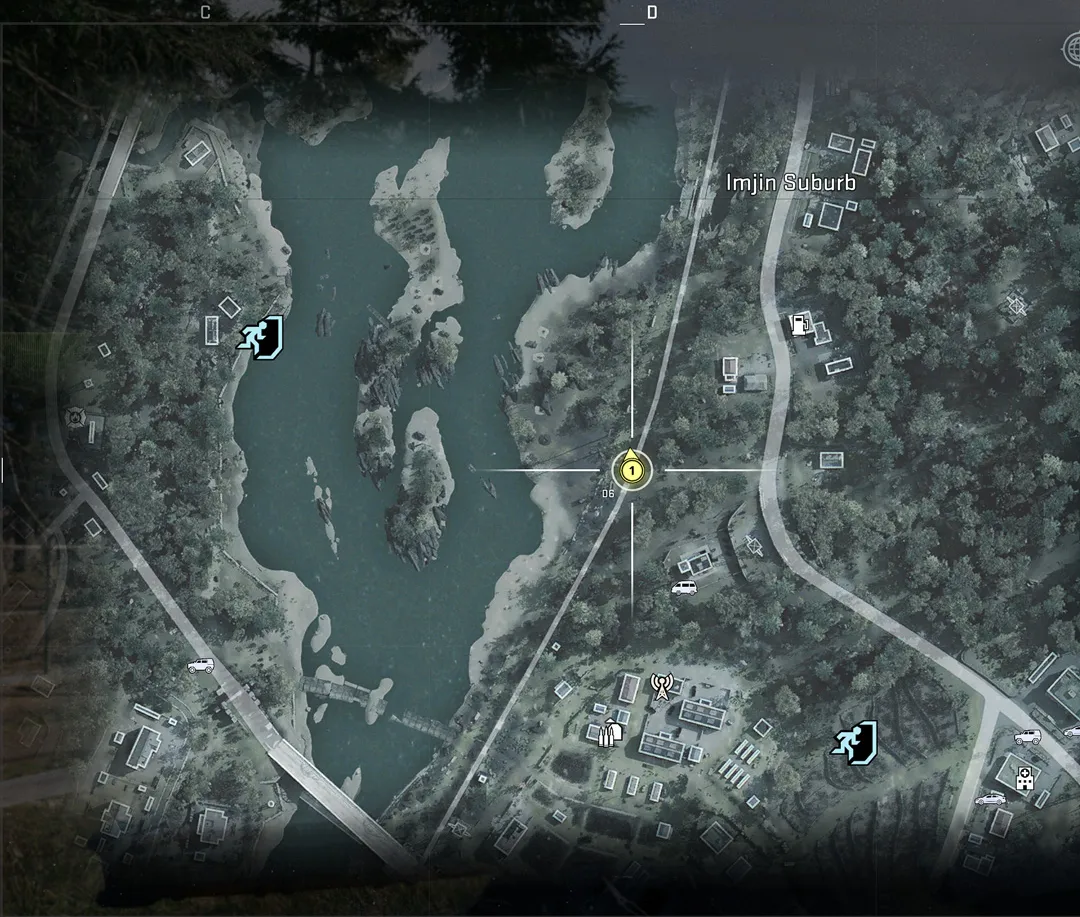
Letters run west to east and numbers north to south. The article says Key descriptions contain coordinates for their destination. That identifies where a Key is used, not where that Key spawns. Its prose example places Imjin Farmland at D7; the separate screenshot cursor is at D6 near Imjin Suburb.
Controls in the pictured layout
The pictured controller layout uses left-stick recenter, LB/RB zoom, directional-pad ping, right-stick clear-my-pings and Y cancel Op. These are the displayed bindings, not a claim about every platform or customized control scheme.
Order example
The Counterfeit page shows completed Hostile Force and Robbery objectives, with Execute Intel still open. Execute Intel calls for hacking Deadtown’s UAV Tower, killing five pinged NK soldiers and looting Counterfeit Cash. The displayed kill progress is 0/5. The task-specific records retain each objective; completed checkmarks here do not establish their prerequisites or rewards.
Map controls and coordinates
| Detail | Value |
|---|---|
| Actions | re-center · zoom in/out · place ping · clear own pings · cancel current Op |
| Coordinates | Letters west-to-east, numbers north-to-south; prose example D7 identifies Imjin Farmland. |
| Key help | Keys include a grid location in their description. |
| Orders | Active Orders/progress at right; location objectives can be pinged for squad. |
Screenshots