
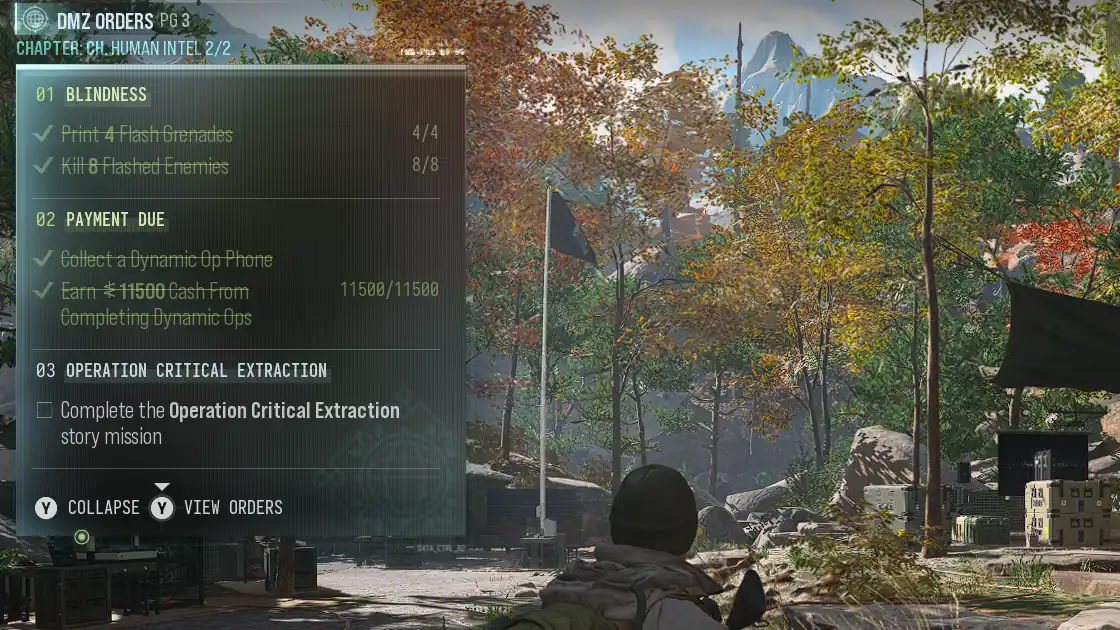
Finding a Dynamic Operation phone is essential for completing Human Intel 2/2, but the objective’s wording can make it tricky if you’re unfamiliar with the game. Here’s how to locate and collect a Dynamic Op Phone while finishing Payment Due without missing out on rewards.
Where Can I Find Dynamic Op Phones?
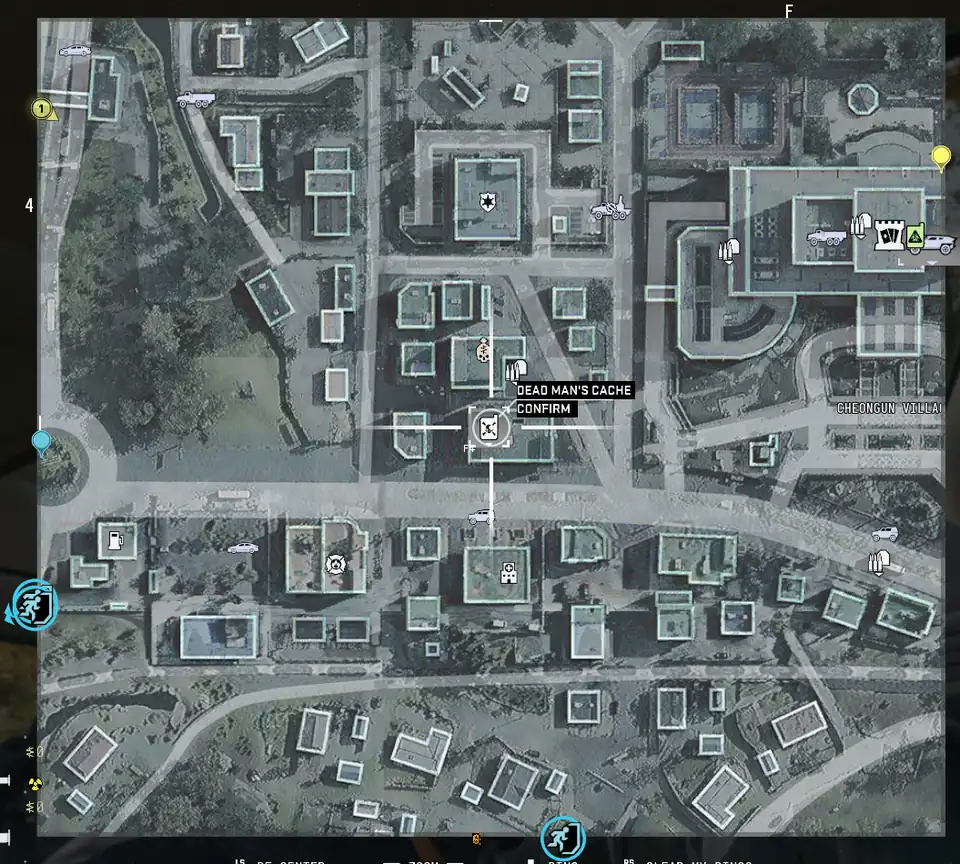
Look for green or white markers on Hajin’s Tac-Map with a phone-shaped outline and an antenna. Phone icons can have different graphics inside the outline. The phone’s card shows the operation name when you approach it.
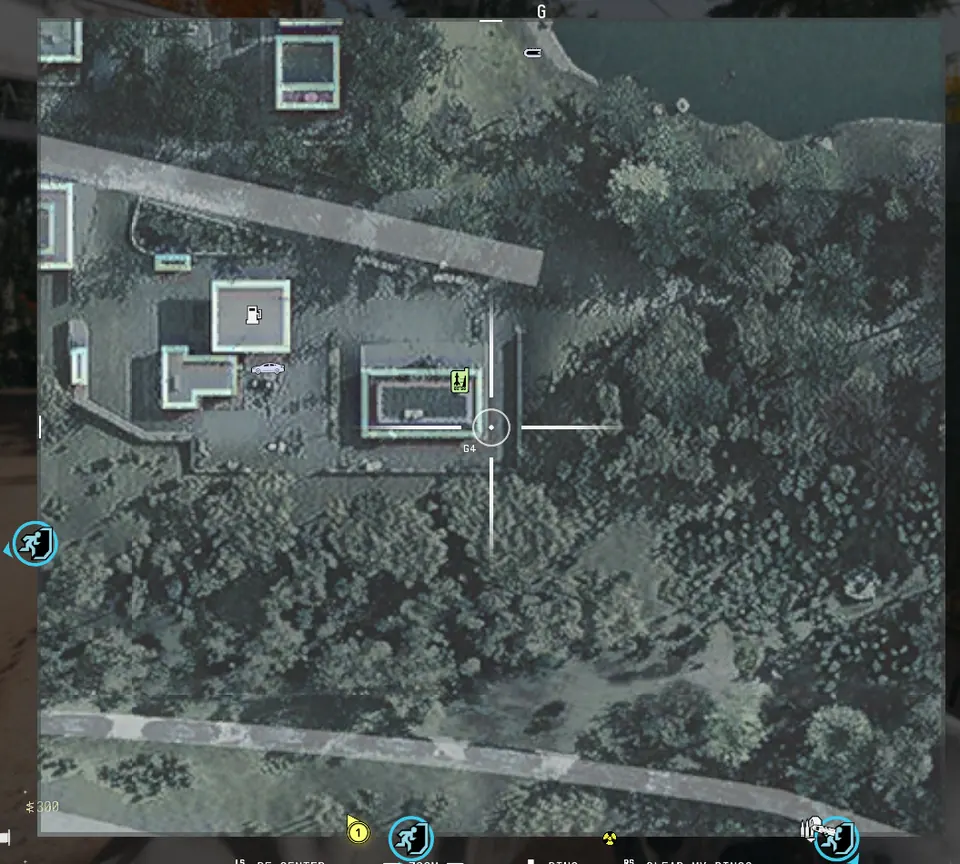
Locations vary between deployments. Use the markers in your current match. If your Order names an area, find the phone there.
Operation names recorded so far include Sky Heist, Chemical Denial, Dead Man’s Cache, Special Delivery, Broken Resupply, Signal Breaker, Toxic Intercept, Ghost Shipment, Viral Reckoning, Domino Protocol and Hunt Operator. The official guide calls the last one Hunt Operators.
Why Choose Free Roam First?
The Op automatically selected when you deploy through Dynamic Ops does not count as collecting a phone. You have to find and activate one yourself. Start with Free Roam so you enter without an assigned operation.
If an operation is already active when you deploy, finish it or use the Tac-Map cancel control (Vote to Cancel Op in a squad) before starting another field op.
How Can I Collect a Dynamic Op Phone?
Collecting a Dynamic Op Phone means activating one in Hajin that starts a Dynamic Operation. You can use any available Dynamic Op Phone. The pickup ticks as soon as you activate it; you do not have to complete the Op.
Follow these steps to collect the phone for Payment Due:
- Free Roam First: Deploy with Free Roam selected on your deployment screen. This lets you enter Hajin without an assigned operation.
- Locate the Icon: Ping a green or white phone-and-antenna marker on the map, then listen for its beeping as you approach the phone.
- Activate It: Interact with the phone to start your Dynamic Operation, then check the Order’s phone-pickup objective.
What Do I Do After Collecting the Phone?
If Payment Due’s cash objective is still unfinished:
- Complete Dynamic Ops until the cash counter reaches $11,500. Cash earned from completed Ops can fill the counter while another Op is active.
- Check the Order checklist to confirm progress.
For example: You might finish the cash counter with earlier Ops, then collect a phone to finish the other task.
Finishing Human Intel 2/2
After completing Payment Due:
- Finish Blindness by printing four Flash Grenades and killing eight flashed enemies.
- Complete Operation Critical Extraction at Mirae General Hospital (a Story Mission within this chapter). At the FOB, select "Story Missions" to access it immediately.
Critical Extraction Details
- Location: Move wounded General Kang’s bed through the hospital and elevators to his rooftop extraction point using marked routes.
- Recommended gear: 2-Plate Armor Vest and Medkit (recommended by the mission card).
Dynamic Op Rewards & Next Steps
Completing Dynamic Ops earns these rewards:
- DMZ XP points for each Dynamic Operation completed during this deployment.
- A Supply Drop after finishing all stages, with quality improving from Common to Rare as you complete more Ops in one deployment.
After Critical Extraction:
- Check the Human Intel 2/2 checklist for Blindness tasks (four Flash Grenades and eight kills).