

The Forward Operating Base (FOB) is your hub for pre-deployment preparation in Modern Warfare 4’s DMZ mode. Think of it as an interactive menu where you’ll craft supplies, manage inventory, and equip Active Duty Operators before heading into Hajin.
What Is the FOB?
Upon entering DMZ, you’re immediately transported to a navigable encampment that serves multiple purposes: crafting gear at stations like the 3D Printer, equipping gear for your upcoming mission, or organizing loot from previous runs. It’s essentially where all base-related activities converge between deployments.
FOB Stations & Unlock Requirements
Here are the key stations and how to access them:
- Operators: Immediately available upon starting DMZ mode. Additional Operator slots unlock through DMZ progression. Vault Edition players begin with an extra slot at the start.
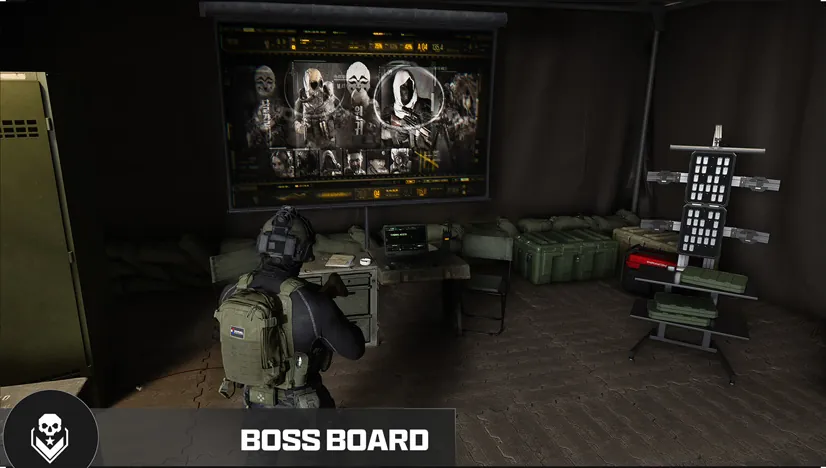
- DMZ Orders: Complete these to earn rewards like cash, Resources, and loot. The second Order unlocks the Boss Board after completion.
- Stash/Loadout: Both are accessible right away and allow organizing your inventory before deployment. The Basic Pack offers eight slots; other packs add extra storage and can offer weapon or Secure slots.
- Printer Level 2: Unlockable at DMZ Player Level 2, allowing access to the Printer station for crafting supplies from materials gathered during missions.
- Vendor (Level 5): Opens after reaching a specific Progression milestone, providing weapons and gear tailored to your playstyle.
- Gunsmith (Level 10): Unlocks advanced weapon customization options at DMZ Player Level 10.
- Dog Tag Case (Level 20): Displays extracted Dog Tags from defeated human Operators.
- Boss Board: Opens after completing your second DMZ Order and provides Lieutenant and Commander information.
- Firing Range, Survival Kits, Bounty Leaderboard, DMZ Progression and Deploy: available immediately.
- DMZ Progression has its own 70-level track, separate from Operator Dog Tags. It awards station unlocks, recipes and upgrades.
Active Duty Operators & MIA Recovery
You start with two Active Duty Operator slots, or three with the Vault Edition.
Each Operator has their own Dog Tag and Trait build, which you develop through Operator Dog Tag progression. Trait trees include Warfighter, Scout and Survivalist. Eliminating an ADO makes them Missing in Action; pay cash from the Bank to recover them or dismiss them entirely for a fresh recruit.
- Recovery preserves Traits but returns the Operator without gear. More Trait Points raise the cost.
Stash & Loadout Management
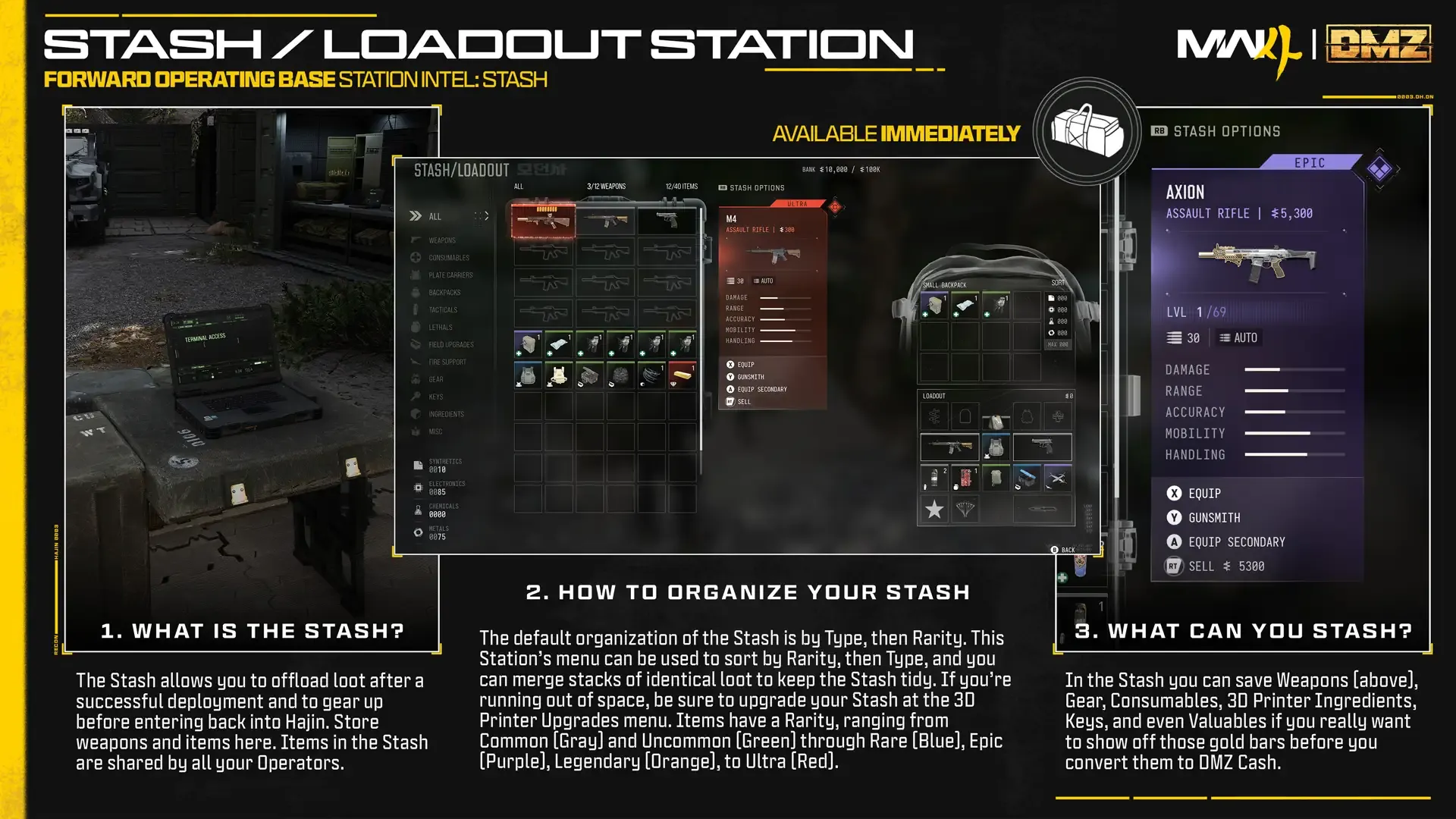
The FOB’s Stash holds general items, weapons, consumables and ingredients. Your Loadout carries active gear into Hajin:
- The Basic Pack offers eight slots; other packs like the Medium Backpack add extra storage but aren’t guaranteed to protect all carried equipment during exfil.
- Organize your inventory before deployment by sorting items in the Stash or packing them directly into the Loadout.
Operator Prestige
The Operator Prestige system allows you to unlock permanent Prestige Traits after reaching 18 Trait Points, provided the Operator is not MIA. First Prestige requires 200,000 DMZ Cash and two Rare-or-better weapons with three attachment slots each: a plate carrier and backpack must also be at least Rare; four Rare-or-better Printer Ingredients are needed.
Stash Organization
The starting Stash holds up to 40 general items plus 12 weapons (counted separately). It stores consumables, Keys and valuables. The Loadout is actively equipped gear; the Backpack carries extra items into Hajin. Unsecured carried equipment is at risk when exfil fails, whereas items left in the Stash stay safe.
Prestige Traits
Prestige sacrifices carried gear and resets ordinary Traits in exchange for random permanent Prestige Traits tied to that character. Up to three prestige traits are possible.
Secure Slots & Backpacks
Without a proper backpack, the Basic Pack supplies eight slots: some upgraded packs offer extra weapon or Secure slots. Secure-slot items survive failed extraction; do not extend this immunity to all carried equipment in general.
Resources & Stash Sorting
Stash sorting offers Type/Rarity options and merging loot stacks. Offload materials and Keys needed for later runs rather than carrying the whole inventory into every deployment. The four pooled Resources (Synthetics, Electronics, Chemicals and Metals) are stored separately from ordinary items but remain shared across your own Operators.
3D Printer & Crafting Materials
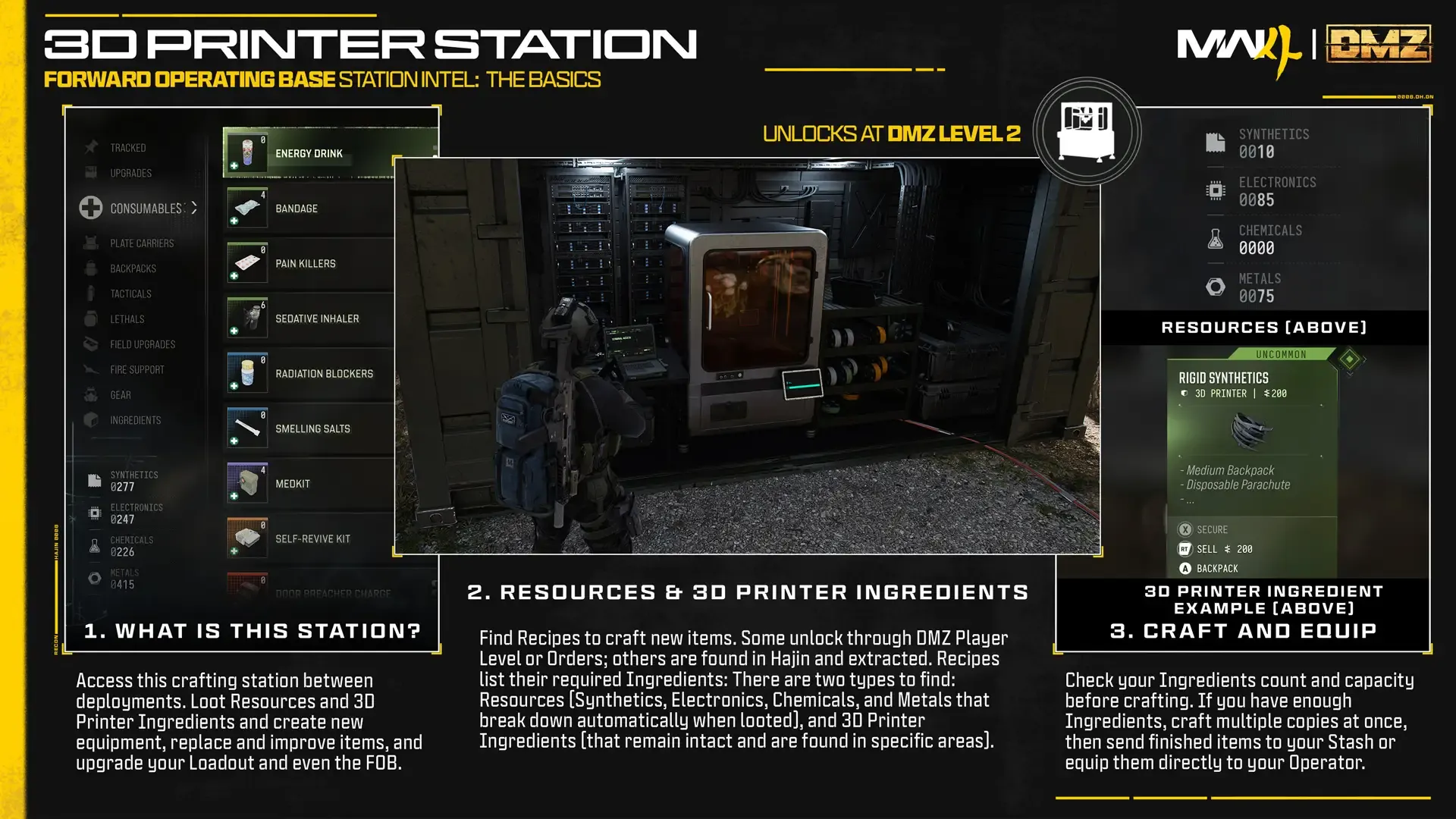
The FOB’s 3D printer allows you to craft both permanent upgrades and temporary consumables using Resources (Synthetics, Electronics, Metals, Chemicals) and Ingredients:
- Gear: For example:
- A 2-Plate Armor Vest costs 50 Synthetics + five Reactive Metals.
- Small Backpack requires 25 Synthetics + 25 Metals.
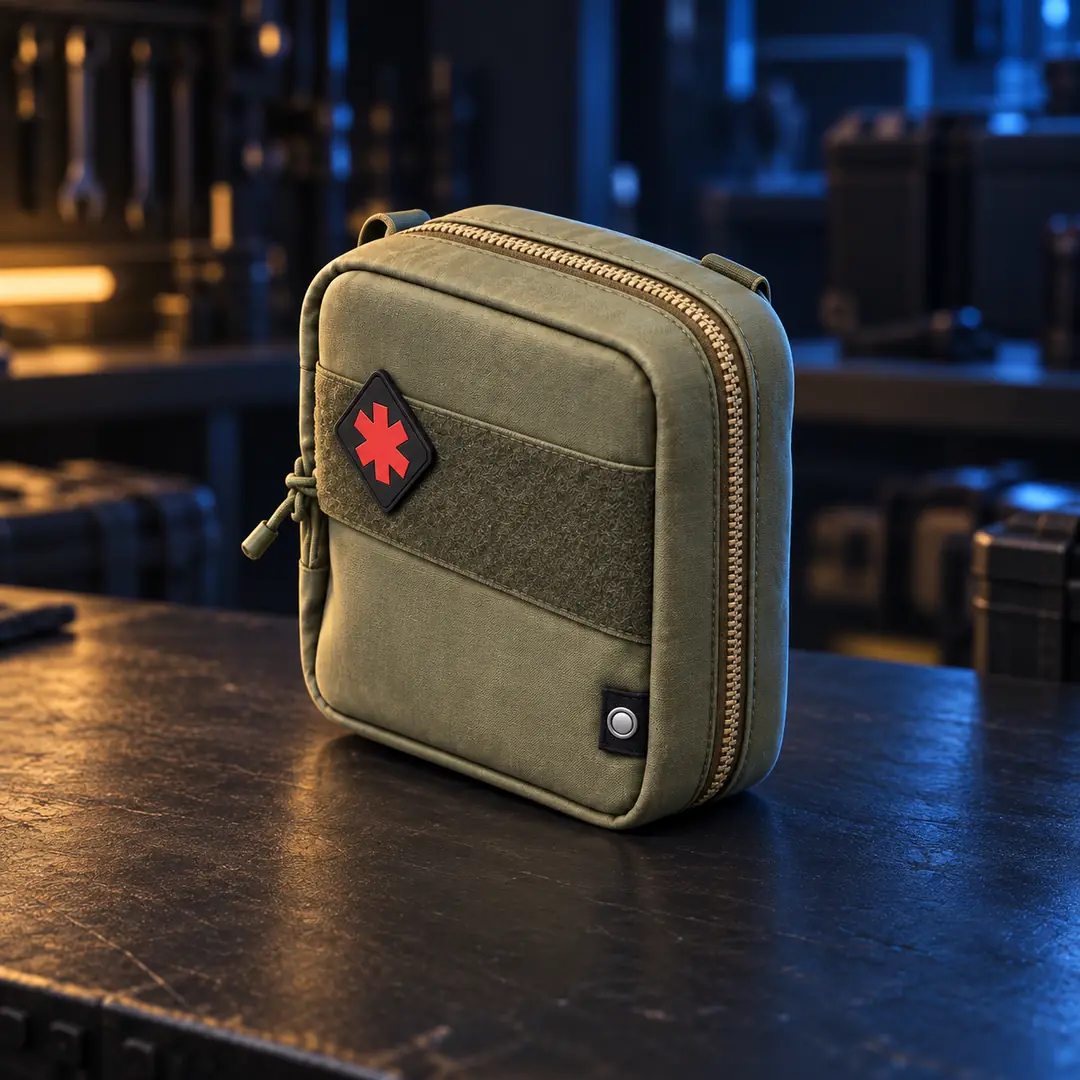
- Consumables (e.g., Medkits): A Medkit costs 30 Chemicals + one Binding Catalyst + five Biomaterials. It repairs wounds and restores Tourniquet availability.
- Found Recipes permanently unlock at successful exfil and pay 5,000 DMZ Cash.
- Choose quantity, then print to Operator or Stash. Track Ingredients to help your search.
Permanent FOB Upgrades
To improve your base, complete multiple prints for each FOB upgrade:
- Bank Capacity: Increase storage by printing upgrades, which can require DMZ Cash, Ingredients and Valuables.
- Stash Slots: Expand general and weapon inventory space through permanent Printer upgrades.
- MIA Recovery Discounts: Reduce the cost of recovering missing Operators through base upgrades.
Vendor & Gunsmith
The Vendor sells weapons for DMZ Cash from Level5. Higher levels unlock more options:
- Extract a Weapon Manual to build custom guns at the Gunsmith using attachments:
- A single Manual permanently unlocks repeat purchases of that weapon; each purchase costs Cash.
- The Firing Range offers targets to test builds, from under 10 to over 100 meters.
Preparation Before Deployment
Organize your Loadout before deployment by sorting items in Stash or packing directly. For example:
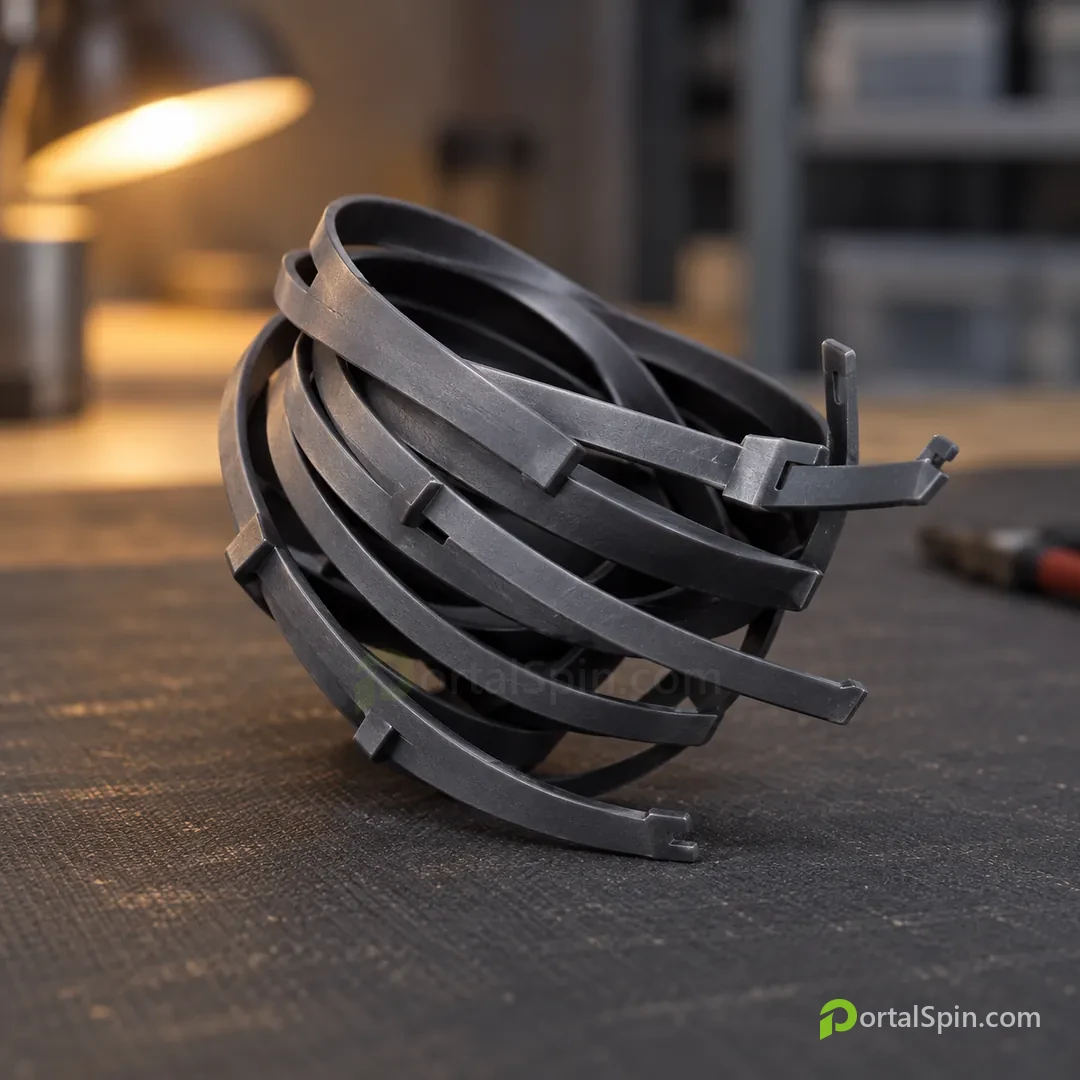
- Send valuable loot (e.g., Rigid Synthetics) to the Stash for future use, not just immediate deployment.
- Use Survival Kits like Armor or Triage based on mission needs.
DMZ Orders & Boss Board
Review these objectives between deployments to earn rewards like cash and loot:
- Orders: Prerequisite challenges make Lieutenant intel available on the Boss Board. Purchased intel lasts one deployment and guarantees the target is active.
- Bosses: Commanders include Colossus, Deathstalker, and a North Korean tank. Commander information is free.
- Bounties: The Bounty Leaderboard tracks human Most Wanted Operators and Bounty Hunters. Claim a bounty by killing the target and extracting their Dog Tag.
Survival Kits & Events
Use these to prepare for your next mission:
- Open different kits like Armor or Triage into the Stash to address specific needs.
- Check Event objectives and end times before deploying. The first Event date is unclear in the official guide.
Before You Deploy from the FOB
Here's how to prepare for your next DMZ mission:
- Choose a Story Mission, Dynamic Operation (DO), or Free Roam before Ready Up.
- Organize inventory: Sort items into categories like Weapons on the Stash menu; keep unopened Survival Kits until needed.
- Successfully extracted equipment carries over between deployments. Earned DMZ XP still counts after failed exfil.
Next: Choose a mission type, organize your gear by sorting items into categories (e.g., Weapons), and equip your ADO for the next deployment.
Back at the FOB, store your extracted loot and restock for the next run.